How to add website monitoring to client maintenance plans
Agencies that sell maintenance plans need monitoring they can promise and price. The tool types agencies use, which checks belong in each plan tier, response times to write down and the parts monitoring never covers.
 CEO of Rookflare
- Published
- Updated
- Reading time
- 6 min read
Key takeaways
- Agencies usually combine an uptime monitor, a page or visual monitor and, for WordPress, a management tool for updates and backups.
- Give each plan tier a fixed set of checks: what is watched, how often and who hears about it.
- Write down response times per severity and the hours they apply to, rather than an uptime percentage you do not control.
- Price monitoring per site: tool cost divided by sites, plus the minutes someone spends on alerts.
- Monitoring does not replace backups, test form submissions or a person reading the report.
To include website monitoring in client maintenance plans, agencies usually combine an uptime monitor, a page monitor that compares screenshots and checks each page, and, for WordPress sites, a management tool for updates and backups. Then each plan tier gets a fixed list of checks, a response time per severity and a monthly report the client can read.
What agencies use for website monitoring in maintenance plans
Agencies use a handful of tool types, and each one sees a different kind of failure. Most maintenance plans combine two or three of them:
| Tool type | What it checks | What it misses | Usual pricing |
|---|---|---|---|
| Uptime monitor | The site answers, response time, often SSL and domain expiry | Pages that answer 200 but look or work wrong | Per monitor or check |
| Page or visual monitor | Screenshots against an approved baseline, status codes, scripts, key elements | Logged-in areas, form delivery | Per site or per page |
| WordPress management tool | Updates, backups, often uptime and screenshots around updates | Non-WordPress sites; breakage between update runs | Per site, often add-on |
| Change detection tool | Any public page for text or visual changes | Whether a change is a bug; built for pages you do not run | Per page |
| Error tracking in the site | JavaScript errors from real visitors | Layout breaks without an error; needs a script installed | Per event or seat |
A baseline is the screenshot someone approved as correct, which every new capture is compared with. Named tools, their checks and their prices are in our comparison of website monitoring tools for agencies, with a source for each fact.
Why an uptime monitor alone is not enough for a care plan
An uptime monitor tells you the server answered, so it catches outages, expired certificates and 500 errors. A maintenance plan also promises that the site works after updates, and most update damage still returns 200. A missing booking button, a broken mobile menu or a stray noindex all pass an uptime check.
That is why plans that include updates also need a check of the pages themselves. Our guide to pages that are up but broken lists the failures each kind of check misses.
Decide which checks each plan tier includes
Write the checks into the plan as a fixed list, so the client knows what they pay for and your team knows what to set up. The tiers below are an example to adapt, not a standard:
| Check | Basic | Standard | Premium |
|---|---|---|---|
| Uptime | Every few minutes | Every minute | Every minute, phone alert when down |
| SSL and domain expiry | Yes | Yes | Yes |
| Screenshot comparison | Home and contact page | One page per template | Every page that earns money or leads |
| Critical elements | None | Main button or form per page | Every money page |
| Check after updates | Manual look | Automatic scan | Automatic scan plus a click-through |
| Broken links | None | Monthly | Weekly |
| Core Web Vitals | None | Home page | One page per template |
| Test form submission | Quarterly | Monthly | Monthly and after form plugin updates |
| Client report | Short monthly summary | Monthly report | Monthly report with incident notes |
A critical element is a button, form or price the page cannot work without. Monitoring critical elements like checkout buttons explains how to pick them and write selectors that last.
Keep the list per tier the same for every client. A plan that differs per client cannot be onboarded, priced or reported the same way.
Write the response promise into the plan
Clients care less about the tools than about what happens when something breaks. Write down four things:
- Hours: when someone reads alerts, such as working days from 9:00 to 17:00, or around the clock.
- Severity: what counts as urgent (site down, checkout or booking broken) and what can wait (a layout glitch on one page).
- Response time: how fast you start on each severity during those hours.
- What is included: which fixes the plan covers, and which ones you quote separately.
Example wording you can copy and adjust:
We monitor the pages listed in your plan around the clock.
We read alerts on working days, 9:00 to 17:00.
Site down, checkout or booking broken: we start within 1 working hour.
Layout or content problem on one page: we start within 1 working day.
Fixes caused by updates we ran are included. Hosting outages and
third-party services are outside our control; we tell you and follow up.
Promise response times, not an uptime percentage. Uptime depends on the host, DNS and third-party services, which a maintenance plan rarely controls.
Price monitoring per site
Tool prices come per monitor, per page or per site, so turn them into one cost per client site:
Cost per site = (monthly tool costs ÷ client sites) + (alert minutes per site × hourly rate ÷ 60)The second part is usually the larger one. A tool that alerts on every rotating banner costs more in triage than in licence fees, so fix noisy pages before you price the plan. The rules against alert fatigue cover routing and noise.
Check the plan limits against your client list too. Some tools cap websites or pages per plan, and the next plan up can change the cost per site a lot.
Show the client what monitoring did each month
Monitoring that nobody sees looks like nothing happened, and a quiet month is the hardest one to justify. The monthly report turns the checks into a verdict: the site worked, these things changed, this is what we fixed.
Keep it to one page with the verdict first. The monthly client report template has a structure you can copy, with wording for months when something broke. The day-to-day work behind it, from risk tiers to triage, is in the agency routine for monitoring client websites.
What monitoring in a maintenance plan does not cover
Say in the plan what monitoring does not do, so the client does not assume it:
- Backups and restores: a monitor notices a broken page; it does not bring the old one back.
- Form delivery: a check can see the form on the page; only a test submission proves the message arrives.
- Logged-in areas: many monitors open public pages only, so account and admin pages need their own test.
- Security scanning: malware and vulnerability checks are a separate service.
- Content accuracy: a page can look right and still show last year’s prices.
WordPress has its own gaps around updates. WordPress rolls back a plugin auto-update only after a PHP fatal error, so layout and script breakage stays live. How to know if a WordPress plugin update broke your site has the check to run after each update.
How Rookflare fits a maintenance plan
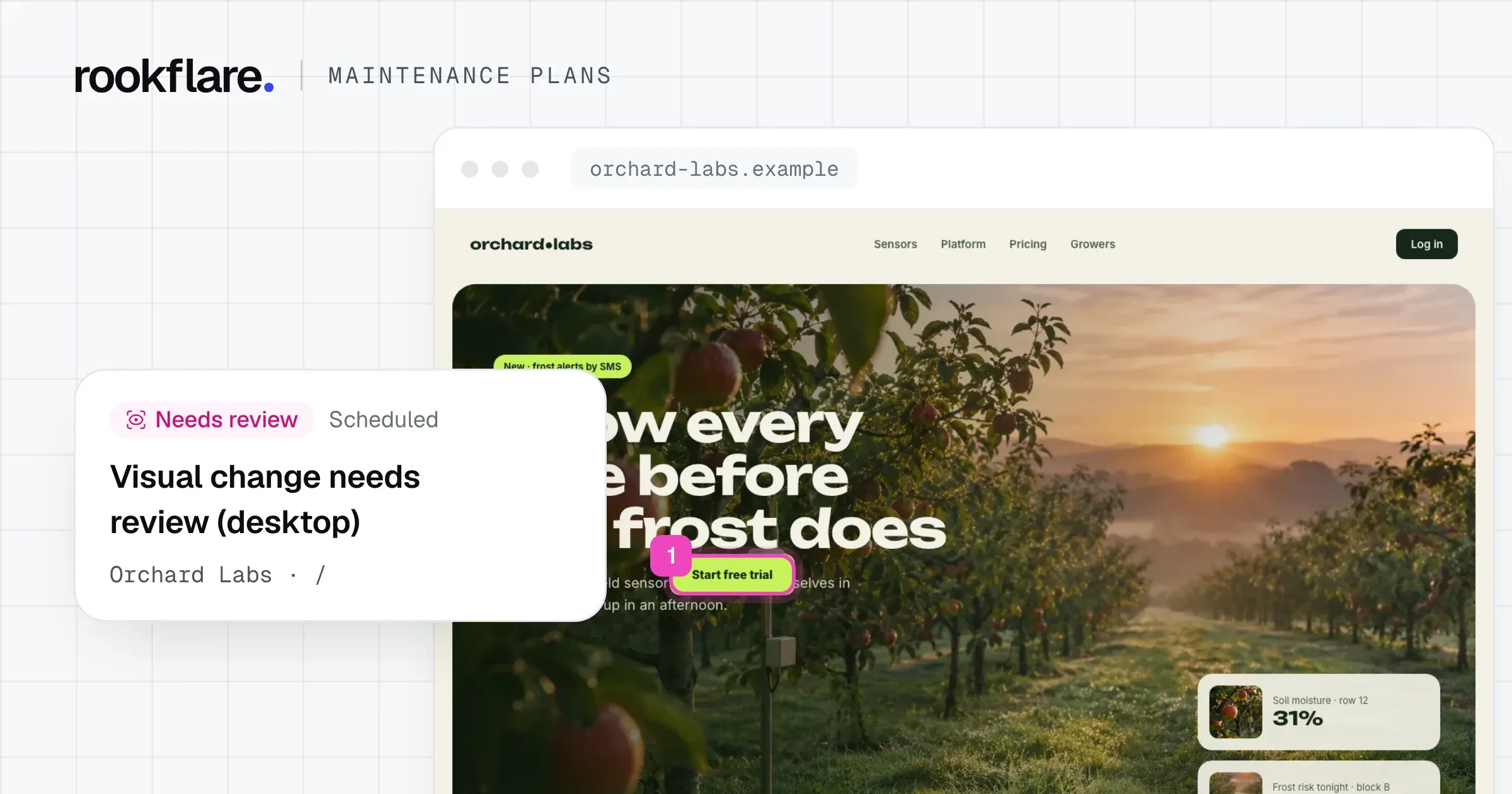
Rookflare covers the page monitor and the uptime monitor rows of the first table. On the Agency plan it scans each website every 6 hours and compares desktop and mobile screenshots with the approved baseline. Each scan also checks status codes, redirects, broken images, JavaScript errors, search settings and critical elements, as the page for agencies describes.
On Growth and Agency, uptime monitoring runs every 5 minutes on Growth and every minute on Agency, from one EU location, with an SSL warning 14 days before expiry. The same plans run a weekly broken links check, and a deploy webhook or the WordPress update hook starts a scan after each release or update. Alerts go by email on every plan. Growth and Agency add Slack, an SMS for critical problems and a call when a site goes down. White-label monthly client reports are on the Agency plan.
Each website can also have a public status page on every plan, with confirmed outages and the updates you post.
The limits matter for a plan: no backups or plugin updates, public pages only, no logins and no form submissions. The Agency plan covers up to 20 websites and 500 monitored pages in total, at €99 a month (provisional until billing launches).
Questions
Should every maintenance plan tier include monitoring?
Yes, at different depths. Even a basic tier should include uptime and certificate expiry, because those failures take the whole site down and are cheap to watch. The free SSL certificate checker shows a site’s current expiry date while you set the plan up.
Should clients receive the monitoring alerts directly?
Usually not. Raw alerts include harmless changes and arrive before anyone has looked; a message from a person plus the monthly report serves clients better.
Do I need different tools for WordPress and other sites?
For updates and backups, yes, since WordPress management tools only manage WordPress. Uptime and page monitoring work the same on any public website, so one monitoring tool can cover the whole client list.
Share this article

Written by
Dalius Pamedytis
CEO of Rookflare
Dalius is the CEO of Rookflare and the engineer who builds it, from the Playwright scanner that captures every page to the dashboard where you review what changed. Day to day he also works on large marketing websites and dashboards, so he has seen how a quiet release can break a checkout button or a sign-up form. He writes about what actually breaks on real websites and the simplest way to catch it before your visitors do.
More from Dalius PamedytisKeep reading
-
Agencies
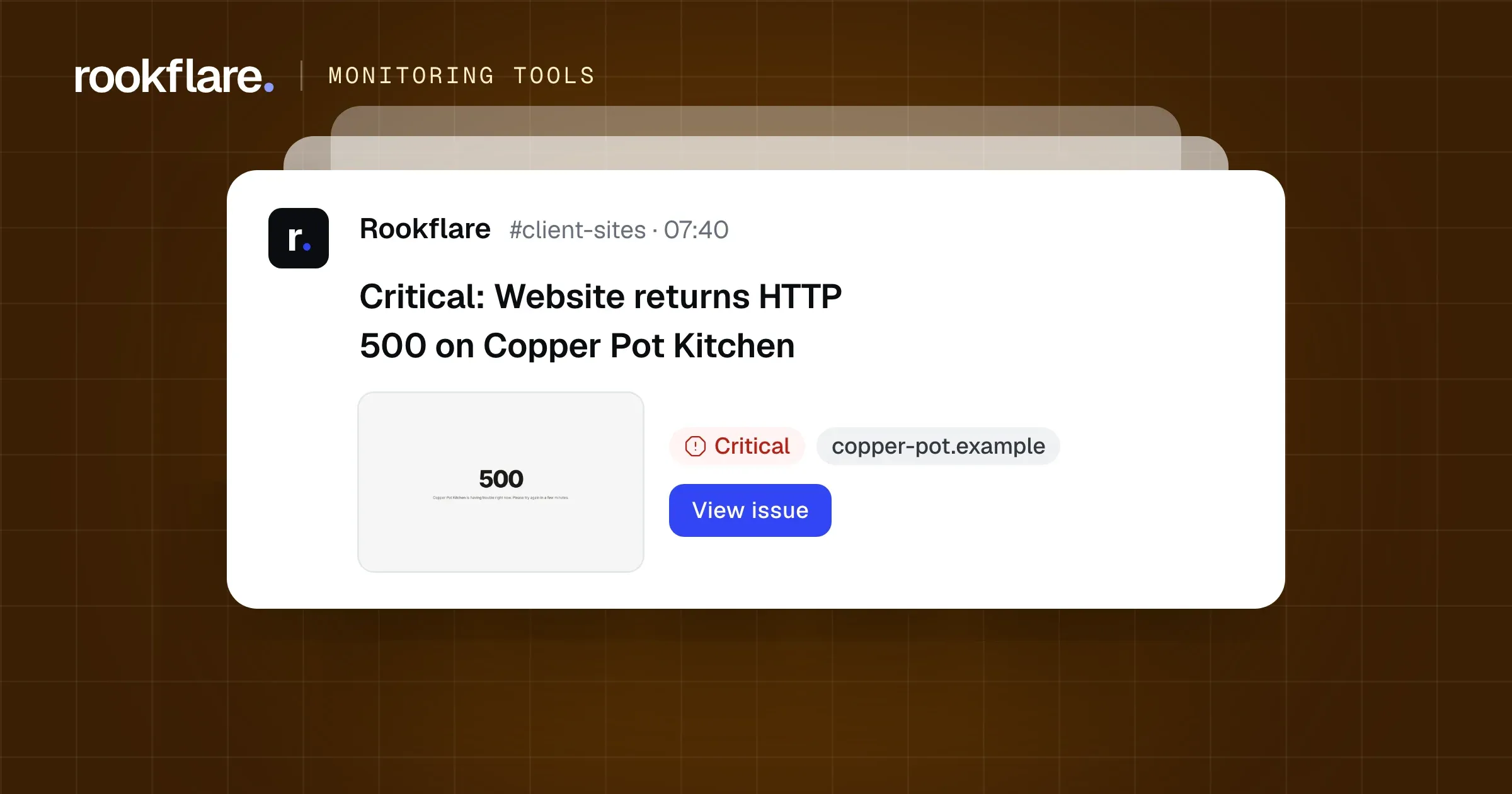
Website monitoring tools for agencies compared (2026)
Fourteen monitoring tools compared for agencies with many client sites: visual changes, uptime, SSL, broken links, Core Web Vitals, white-label reports and price, with a source for every fact.
-
Agencies
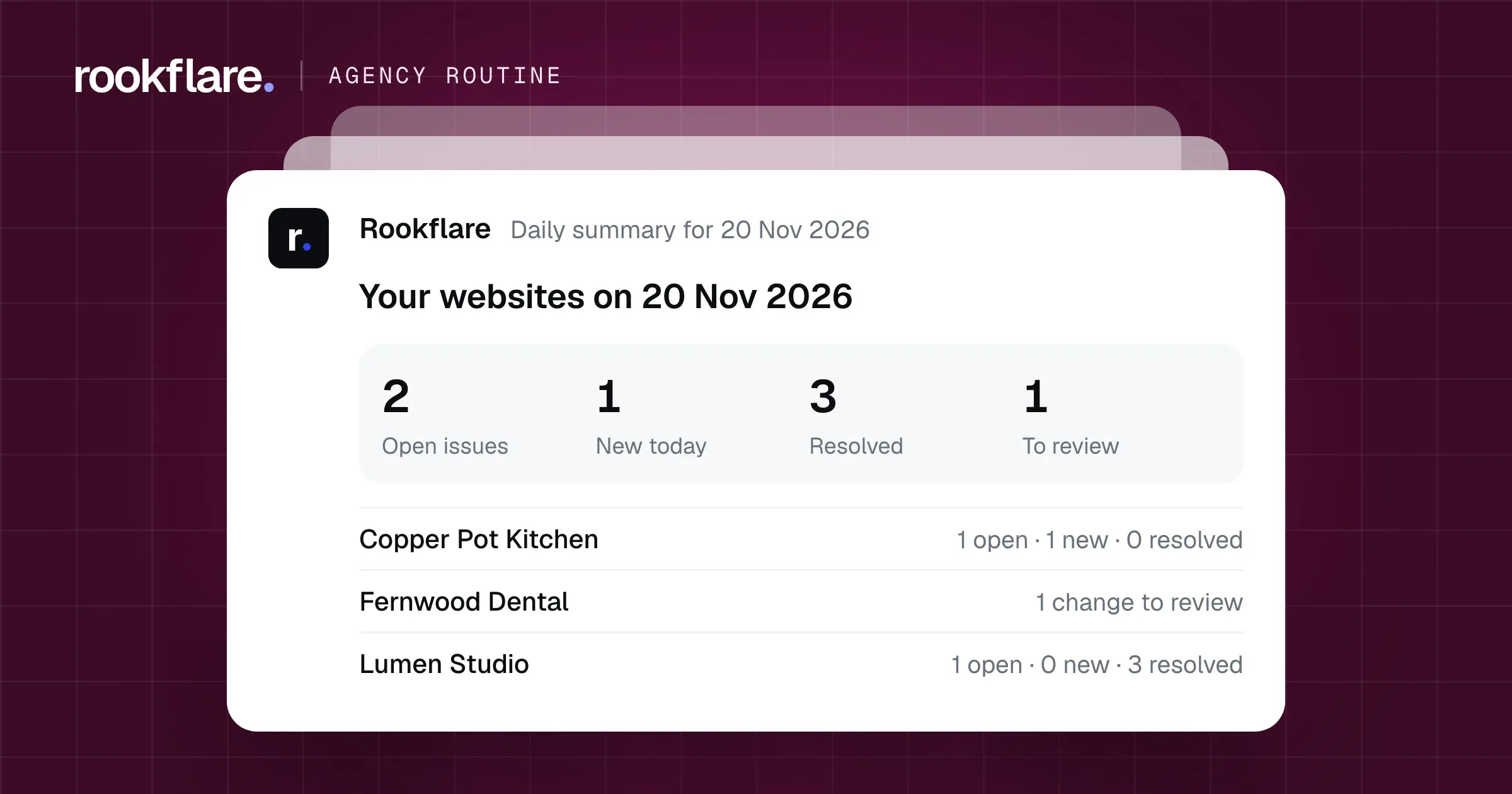
How to monitor client websites: a routine for agencies
Thirty client sites and a small team leave no time to open each one every morning. How to sort sites by risk, which pages to watch, and a daily, weekly and monthly routine that keeps people on the decisions.
-
Agencies
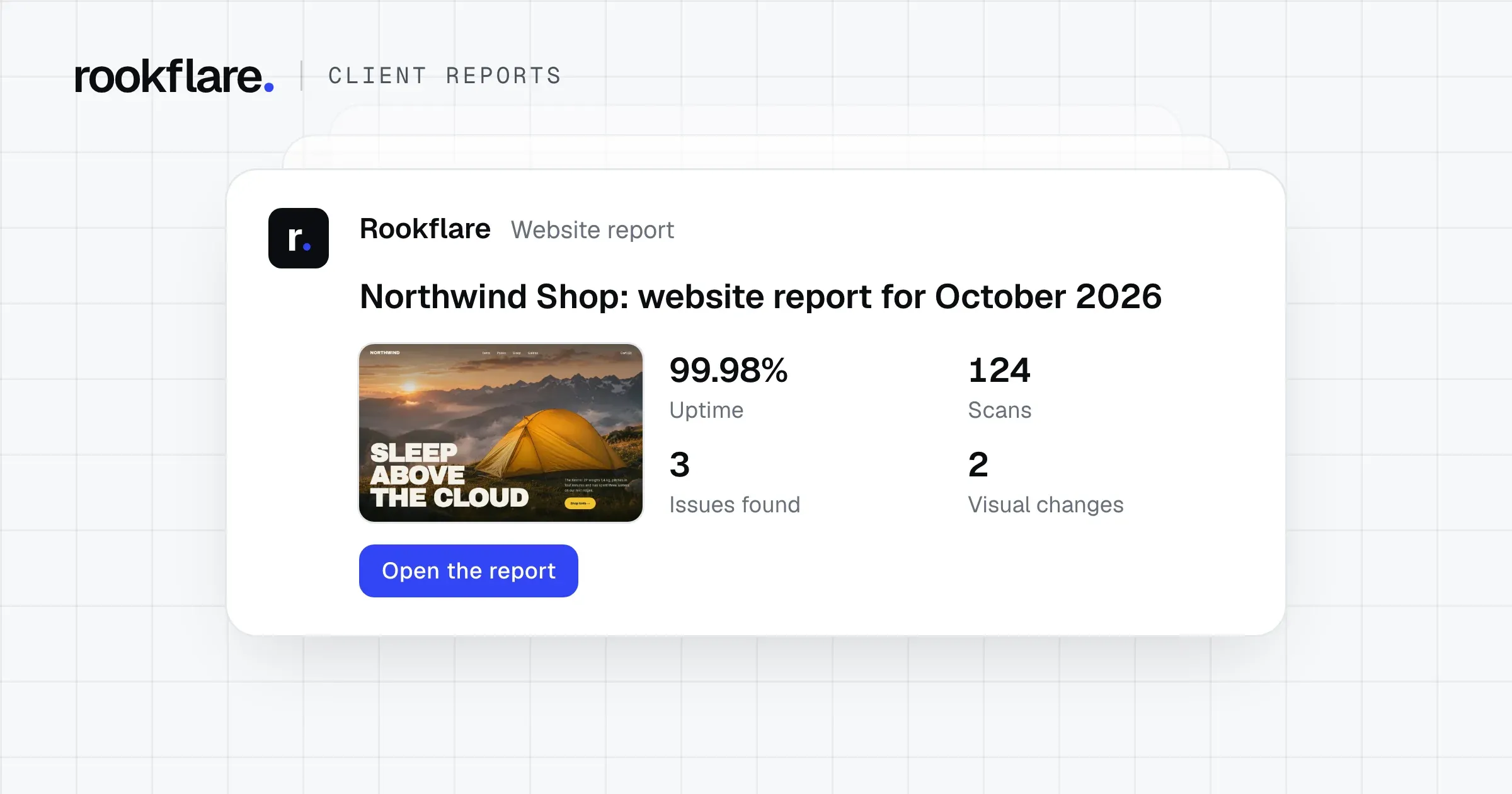
Monthly website report template for clients, with examples
Clients skim a monthly report for one answer: should I worry? A one-page template you can copy, what to put in each section, how to read uptime percentages, and wording for the months when something broke.

