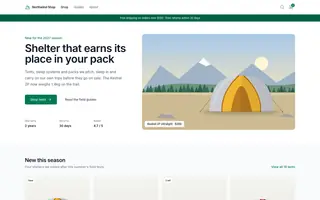
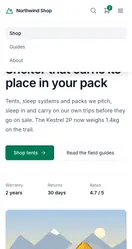
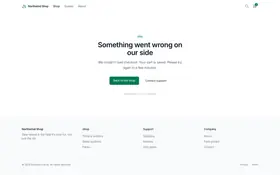
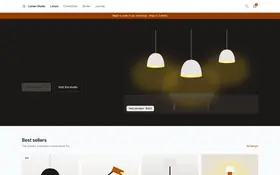
The pages you choose, on desktop and mobile, as often as every 6 hours. When a button goes missing, an image breaks or checkout returns a 500, you get an alert with a link to the screenshot.
Plans start at €19 per month. Prices are provisional.
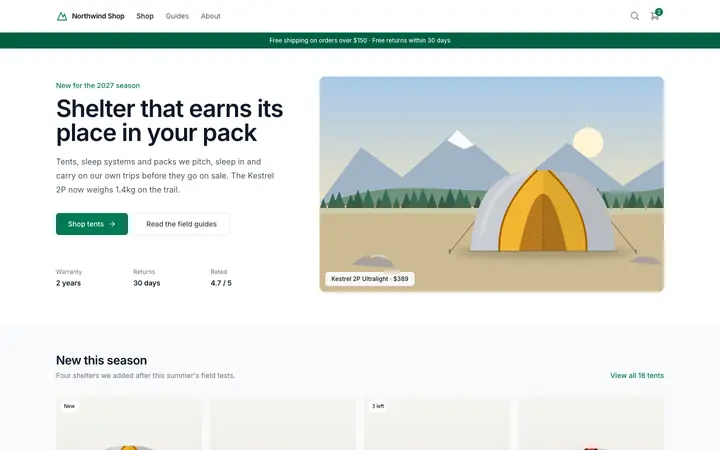
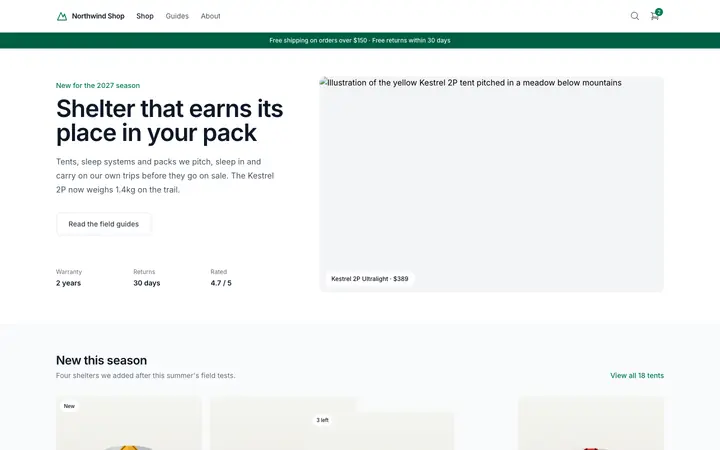
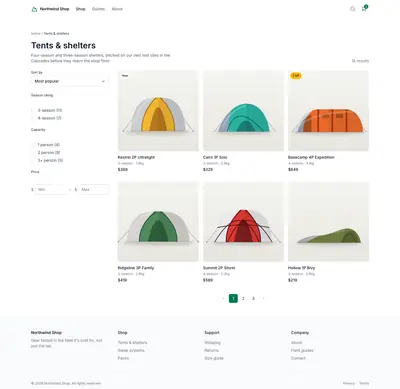
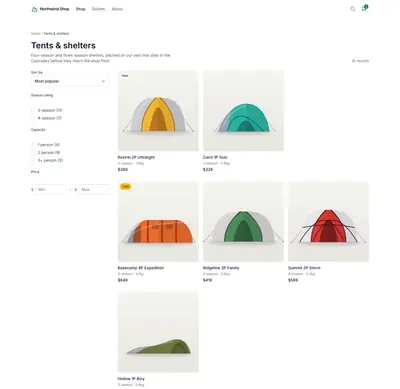
Demo, simulated change. The Rookflare dashboard for the fictional Northwind Shop at https://northwind-shop.example/. Someone clicks Scan now, the scan passes over the page screenshot and three issues appear: Critical element missing: Order button (critical), Visual change needs review (desktop) where a product card moved, and Broken image: hero.jpg (low). They open the critical issue and click It’s a bug: the issue stays open as acknowledged and is sent to the developer by email.
Demo · simulated change
All websites Northwind ShopMonitoringnorthwind-shop.example Scan now Scanning… Overview Pages Issues Scan history Uptime Settings
Desktop Mobile This scan · today 09:12
Northwind
Critical element missing: Order button
image failed to load Broken image: hero.jpg
Visual change needs review (desktop)
Needs your attention
All clear Last scan yesterday 21:00 found no problems.
Needs your attention Most important first
Critical element missing: Order button https://northwind-shop.example/
It’s a bug That’s intended Sent to developer by email
Issue sent to your developer
How it works
Monitoring starts with a web address
Rookflare reads your sitemap, lets you choose the pages to watch and takes the first screenshots for you to approve as the baseline. There is nothing to install on your site.
Website address
https://northwind-shop.example
Reading sitemap.xml 42 pages found Add website
Step 1
Enter your website
Use the address your customers use. Rookflare finds the pages through your sitemap.
Pages to monitor 42 of 42
https://northwind-shop.example/
https://northwind-shop.example/tents/
https://northwind-shop.example/tents/kestrel-2p/
https://northwind-shop.example/checkout/
https://northwind-shop.example/guides/
Step 2
Choose the pages
Keep all of them, or only the ones that earn money, such as pricing and checkout.
First scan 42 / 42 pages
Baseline saved. Next scan in 6 hours.
Step 3
Approve the first scan as the baseline
Later scans are compared with it. You replace it only by approving a change. On Growth and Agency, uptime checks start on the homepage too.
Visual comparison
Review a visual change on one screen
Drag the handle to compare the approved baseline with today's screenshot. Each changed area gets a number, largest first, and the list shows where it is on the page, its size and its changed pixels. Tiny changes stay folded away until you open them.
Baseline Oct 20 → this scan today 09:12 · 9.9% of pixels changed
Demo · simulated change
It’s a bug That’s intended
Split Slider Diff Flip Desktop Mobile Change 1of 4 Change 1of 3 Fit 100% 200%
1 4 5 6 1 3
Approved baseline · Oct 20 Current · today 09:12
Drag the handle, or focus it and use the arrow keys.
Changes 4 3 Ignore
Changed areas (6)
Desktop · compared with baseline v14
Changed areas (4)
Mobile · compared with baseline v14
The baseline stays as it is until someone approves this scan.
It’s a bug That’s intended
Checks
What Rookflare checks on your pages
Visual changes wait for someone to review them. Technical failures, such as a server error, open an issue straight away. Between scans, uptime checks watch whether your key pages answer.
Errors thrown while a page loads are recorded with their message, so a broken checkout script shows up on the next scan.
https://northwind-shop.example/tents/: tent-ridgeline.webp returned 404
Images that fail to load
When an image returns an error, the page and the image address are listed.
https://northwind-shop.example/checkout/
Up for 12 days · 184 ms
Up
Last 30 days
99.95% uptime
1 outage · 22 min Checked every minute
Uptime checks between scans
Key URLs are requested every minute on Agency and every 5 minutes on Growth. A page counts as down only after 3 failed checks in a row, about a minute apart, and a confirmation check.
Rookflare
APP
09:12 · #ops-alerts
Critical: Page returns HTTP 500
Site
Northwind Shop
Severity
Critical
Page
https://northwind-shop.example/checkout/
Detected
Today 09:12
View issue
Rookflare
APP
09:40 · #ops-alerts
Resolved: Page returns HTTP 500
Site
Northwind Shop
Duration
28 minutes
Resolved
Today 09:40
One alert per issue
You get one message when an issue opens and a separate one when it is resolved. If the same failure is found again, the issue is updated and no new alert is sent unless it gets worse.
Pick what Rookflare should watch https://northwind-shop.example/ · Demo Desktop Mobile
Link · “Shop tents”
Selected element
Link · “Shop tents”
Found on desktop and mobile
Watch this element
Click the buttons and forms that must never break
Open a screenshot of your page and click the order button, the contact form or the cart. Rookflare finds a stable way to recognize each one and opens a critical issue when it disappears or is hidden, on desktop or on mobile. No code needed.
Scan, today 09:123 changes
Approve
v15Today, approved by Mia K.Baseline
v14Oct 20, approved by Tom R.
v13Oct 2, approved by Tom R.
You decide what the new normal is
A visual change is never accepted on its own. Someone on your team approves it as the new baseline or marks it as expected.
https://northwind-shop.example/tents/ · head
Flagged
title: Tents & shelters · Northwind Shop
robots: index, follow
robots: noindex
canonical: https://northwind-shop.example/tents/
Search settings that changed
A noindex robots tag and a missing title are flagged, and a changed title or canonical address is compared with the previous scan.
Integrations
Connect Rookflare to how you ship and get told
Start a scan from your deploy pipeline, get alerts where your team already looks and send clients a monthly report under your own logo.
Email Every plan. One alert per issue and a daily summary.
Slack Growth and Agency. Posts to the channel you pick.
SMS and phone calls Growth and Agency. A text for critical problems, a short call when a site goes down.
Monthly client reports Agency. Uptime and scan results for each client, under your logo and colors.
Sign in with Google Create an account and log in with your Google account.
For agencies
See every client website on one screen
Add each client as a website, invite your team and filter the list to the sites that need someone today. Each month, send every client a report with uptime and scan results under your own logo.
20 client websites on the Agency plan
500 monitored pages shared across them
6 h between scans of every page
1 min between uptime checks, on up to 10 URLs per website
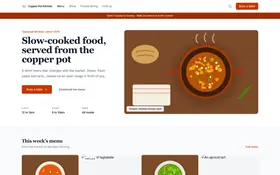
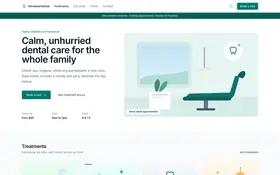
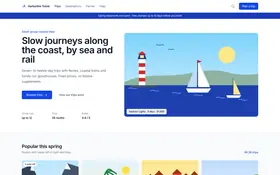
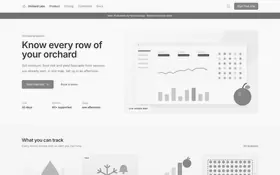
Sample Websites page of an agency with six client websites: Northwind Shop is down with a 500 error, Lumen Studio has visual changes to review, Copper Pot has broken images, two sites are healthy and one is paused.
Demo · simulated changes
Websites
Every client website you monitor, most urgent first.
Add website
All 6 Needs attention 3
Northwind Shophttps://northwind-shop.example/ returned 500Down · 500Down · 500 2 min ago
Lumen Studio6 changed regions on https://lumen-studio.example/Needs reviewNeeds review 9 min ago
Copper Pot Kitchen2 broken images on https://copper-pot.example/menuIssue foundIssue found 14 min ago
Fernwood Dental18 pagesHealthyHealthy 3 min ago
Harborline Travel24 pagesHealthyHealthy 6 min ago
Orchard LabsPaused during redesignPausedPaused Oct 28
Pricing
Plans and limits
Every plan includes every check, desktop and mobile capture. Plans differ in how many websites and pages you monitor, how often, uptime checks, alert channels, team and client features, and how long history is kept.
Rookflare scans the pages you choose on a fixed schedule. It captures desktop and mobile screenshots, compares them with the baseline you approved, and checks HTTP status, broken images, JavaScript errors and basic SEO signals. On Growth and Agency it also checks that your key URLs respond, as often as every minute.
Is every visual change treated as an error?
No. A visual difference is marked as a change that needs your review, never as a confirmed failure. You decide whether it was expected: approve the new screenshot as the baseline, mark the change as expected, or fix the page.
Do I need to install a script on my website?
No. Rookflare visits your pages from the outside, the way a visitor would. You add a website, verify that you control the domain, and choose the pages to monitor.
How often are pages scanned?
Starter scans once a day, Growth every 12 hours and Agency every 6 hours. Scan frequency is fixed per plan; you can choose a longer interval, but not a shorter one.
How is uptime checked and when do you alert?
Rookflare requests each uptime URL on a schedule: every 5 minutes on Growth and every minute on Agency. A page counts as down only after 3 failed checks in a row and a failed confirmation check, so one slow response does not wake anyone. After a failed check, the next checks follow about a minute apart, so an outage is confirmed about 2 minutes after the first failed check on both plans. You get one email or Slack alert when it goes down and another when it is back up, with how long it was down.
Which plans include uptime monitoring?
Growth and Agency. Growth checks up to 3 URLs per website every 5 minutes, Agency up to 10 URLs per website every minute. Starter has no uptime checks, but its pages are still scanned once a day. When a website starts being monitored, its homepage becomes its first uptime URL.
How are monitored pages counted?
One URL is one monitored page, even though we capture it at both desktop and mobile sizes. Limits apply across your whole organization.
Can an agency monitor many client websites in one account?
Yes. The Agency plan covers up to 20 websites and 500 monitored pages, lets you invite team members, and keeps 180 days of history.
Are the prices final?
Not yet. Prices and limits on this site are provisional until billing launches and may change. Anything you sign up for will show its price before you pay.
Who can see the screenshots of my pages?
Screenshots are stored in a private bucket and are shown in the dashboard only to signed-in members of your organization, through links that expire after a few minutes. They are never attached to alert emails or Slack messages. On the Agency plan, a client report you share includes the screenshots of the changes it lists.
Can Rookflare text or call me when my site goes down?
Yes, on the paid Growth and Agency plans (the free trial does not include them). Each person verifies their own mobile number with a code sent by text message, then a phone channel can send a text message for critical problems and place a short automatic call when a site goes down. The recovery comes as a text only. Growth includes 50 phone alerts a month and Agency 200, texts and calls counted together. When they are used up, email and Slack alerts keep going and the owners get one email.
Can Rookflare scan right after I deploy?
Yes, on Growth and Agency. Create a deploy hook in the website settings and call its URL with the secret token when a deploy finishes. The dashboard gives ready snippets for GitHub Actions, Vercel, Netlify, WordPress and cURL. Rookflare then scans the website straight away instead of waiting for the next scheduled scan, and repeated calls for the same deploy start only one scan.
What happens when the free trial ends?
Scheduled scans, uptime checks and alerts stop. Your websites, settings, approved baseline screenshots and issues stay in your account until you delete it; as on any account without a plan, scan history and screenshots older than 30 days are removed. Monitoring continues where it stopped as soon as you choose a plan.
Can I start the free trial more than once?
No, it's one free trial per person. If you already used a free trial in an organization you own, a new organization starts with a plan instead. A website that was monitored on a free trial can't be monitored on another free trial for a year, so a new account doesn't restart the trial for the same site. For this check we keep only a one-way hash of the website's domain, never who used it. If you need more time to decide, contact us.
Start monitoring your website
Add your address, pick the pages and approve the first scan as your baseline.