Alert fatigue: email and Slack rules for website monitoring
A muted alert channel is worse than none, because everyone assumes someone else saw the message. How to measure alert noise, who should get which alert, and when a daily summary is enough.
 CEO of Rookflare
- Published
- Reading time
- 6 min read
Key takeaways
- Alert fatigue sets in when most alerts need no action; measure that share before changing any rule.
- Route by severity: only outages and missing key elements interrupt people, the rest waits for a summary.
- Fix noisy pages at the source with ignore regions and confirmation checks, not with filters in Slack.
- Every alert should say what changed, where, and link to the evidence.
Alert fatigue in website monitoring is what happens when most alerts need no action, so people stop reading them. The fix is to send fewer, better alerts: route each one by severity to the person who can act, and remove noise at its source. Within a month of “every alert to everyone”, the channel is muted and the next real outage sits unread.
Signs your team has alert fatigue
Alert fatigue rarely announces itself. Look for these signs in your own channels:
- Muted channel: the alert channel is muted by most of the people in it.
- Emoji replies: alerts get a thumbs-up and no follow-up message.
- Repeat offenders: the same page alerts for the same harmless change every day.
- Unclear owner: nobody can say who was meant to act on yesterday’s alert.
- Found by the client: a real problem reached the client before anyone on the team reacted.
Google’s SRE book describes the effect plainly: when pages come too often, people “second-guess, skim, or even ignore incoming alerts”. Its rule is that every alert that interrupts someone should be actionable.
Measure the noise for one week
Change no rules until you know where the noise comes from. For one week, label every alert in a shared sheet with four columns:
| Column | What to record |
|---|---|
| Alert | Site, page and type (visual change, JavaScript error, down) |
| Acted on | Yes if someone fixed, approved or escalated something |
| Duplicate | Yes if another alert already reported the same problem |
| Right person | Yes if the person who saw it first could act on it |
At the end of the week, group by alert type and count the share acted on. Google’s SRE workbook calls this precision: the proportion of alerts that were significant. Our rule of thumb: if fewer than half of one alert type led to action, change its route or fix its source before anything else.
Route alerts by severity
Not every finding deserves a notification the moment it happens. Agree on four levels and what each one is allowed to do:
| Severity | Examples | Delivery |
|---|---|---|
| Critical | Site down, checkout button missing | At once: email, Slack, text or call |
| High | noindex on a live page, a large visual change | At once: site owner and team channel |
| Medium | A new JavaScript error, a smaller visual change, a changed canonical | At once to the team channel, or the summary |
| Low | A changed page title, a broken image, console-only errors | Daily summary only |
The line between “at once” and “summary” is the most useful setting you have. Low findings still matter, but nobody needs to stop work for a broken thumbnail. A daily summary collects them in one message at a fixed hour.
Write the table down and agree on it as a team. Arguing about thresholds after every noisy week costs more time than setting them once.
Send alerts to the people who can act
Severity decides when an alert goes out; routing decides who reads it. A few rules keep that short:
- One channel per team, not per site. Fewer places to check, and one place to search later.
- Email for the site owner, Slack for the team. The owner gets it personally; the team sees it in context.
- Phone only for outages. A text message or call at night should mean the site is down, nothing less.
- Clients hear from a person. Forward a summary in your own words instead of adding clients to the raw channel.
Agencies with many sites need one named owner per site on top of this. The routine for monitoring client websites covers how to assign and hand over owners.
Fix noisy pages at the source
If a page alerts every day because of the same carousel, a Slack filter only hides the problem from you. Fix the cause, and the alert stops for everyone:
| Noise source | Fix |
|---|---|
| Rotating banner or carousel | Ignore region over the banner |
| Dates, counters, “last updated” text | Ignore region over the text |
| Cookie banner in the screenshot | Accept or hide it before capture, then retake the baseline |
| A/B test variants | Monitor one variant, or ignore the tested block |
| Errors from browser extensions or ad scripts | Separate console-only errors from uncaught ones |
| Single failed request | Re-check before alerting |
Draw ignore regions tight: a region over the whole header also hides a broken logo. The guide to cutting false positives in screenshot comparison shows how, and sorting real JavaScript errors from noise covers the script side.
Reduce false alerts in website monitoring
Most false alerts in website monitoring come from single failed requests and from one problem reported many times. Confirm a failure with a re-check before alerting, group repeats of the same problem, and close each alert with a resolved notice. Those three habits remove most duplicates:
- Confirm before alerting. One failed request is weak evidence; alert after a short run of failures plus a re-check.
- Group the same problem. One outage is one alert, not one per page; the same change on desktop and mobile is one alert.
- Send a resolved notice. People stop checking whether a problem is still open, and the alert thread has an end.
Before you escalate a down alert at night, check the site once from outside your own network. The website down checker does that from our servers in one step.
Write alerts people can act on
A good alert answers four questions without a click: what, where, since when, and how bad. A link to the evidence covers the rest:
[High] Visual change needs review (mobile)
Site:   Fernwood Dental (fernwood.example)
Page:   /book-appointment/
Seen:   Tue 10 Nov, 06:02
Change: 24% of the page differs from the approved baseline
Look:   https://app.example/issues/1234
If the first reaction to an alert is “what does this mean?”, rewrite the alert, not the reader.
Review the rules every month
Alert rules drift. New pages get added, campaigns start, and a template change makes an old ignore region useless. Once a month, look at the week’s precision again, remove rules nobody uses, and check that phone alerts still go to people who are on call.
How alert settings work in Rookflare
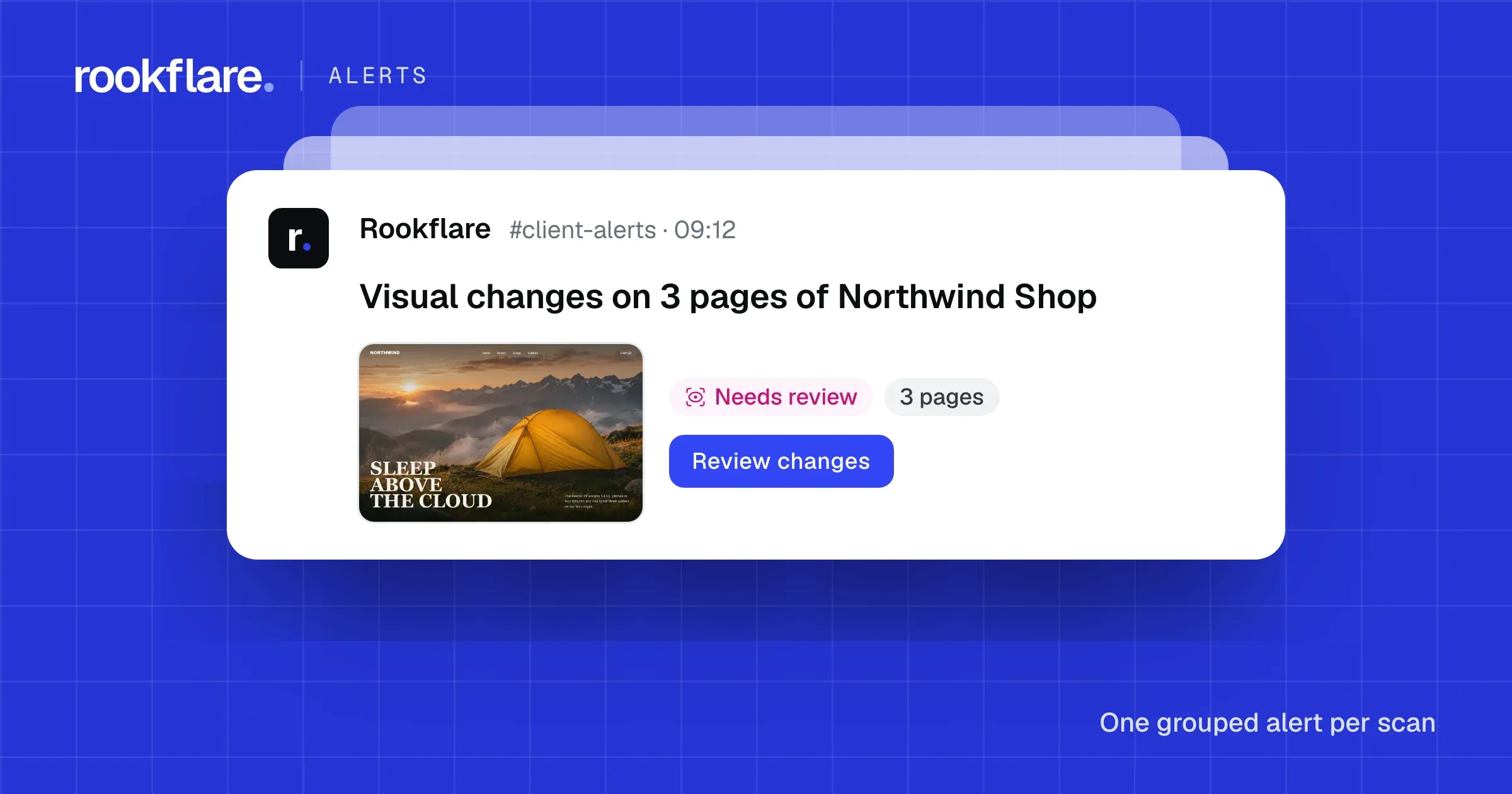
In Rookflare each website has its own alert settings. You turn email and Slack on or off (Slack needs the Growth or Agency plan) and set the minimum severity that sends an alert (medium by default). You can also turn on a message when an issue is resolved and a daily summary at an hour you choose. Severities follow the table above. A missing critical element is critical and noindex is high. A visual change is high or medium depending on its size. Uncaught JavaScript errors are medium; broken images and console-only errors are low. On Growth and Agency, uptime checks report a URL as down only after three failed checks in a row plus a failed confirmation. The same change on desktop and mobile sends one alert, and one outage sends one alert and one recovery per channel. Text message and call alerts on the Growth and Agency plans stay narrow. Text messages go out only for critical issues, calls only when a site goes down. The uptime monitoring page explains how outages are confirmed and reported.
Questions
Should every alert go to Slack?
No. Slack works for the team’s shared view, but low-severity findings belong in a daily summary. Put only what someone should look at today into the channel.
How many alerts a day is too many?
There is no fixed number. The useful measure is the share of alerts that led to action; when it drops, people start ignoring the channel.
Share this article

Written by
Dalius Pamedytis
CEO of Rookflare
Dalius is the CEO of Rookflare and the engineer who builds it, from the Playwright scanner that captures every page to the dashboard where you review what changed. Day to day he also works on large marketing websites and dashboards, so he has seen how a quiet release can break a checkout button or a sign-up form. He writes about what actually breaks on real websites and the simplest way to catch it before your visitors do.
More from Dalius PamedytisKeep reading
-
Uptime
SSL certificate auto-renewal failed: how to find the cause
Automatic renewal makes an expired certificate rare, not impossible, and Let's Encrypt no longer sends reminder emails. How to check what visitors are served, find the renewal step that broke and set alerts that fit shorter certificate lifetimes.
-
Uptime
Website up but not working: when 200 OK hides a broken page
An error page, a checkout with a dead button and an unstyled page can all return 200. What uptime monitoring misses, what visual and technical checks add, and when one tool is enough.
