How to monitor client websites: a routine for agencies
Thirty client sites and a small team leave no time to open each one every morning. How to sort sites by risk, which pages to watch, and a daily, weekly and monthly routine that keeps people on the decisions.
 Co-founder, marketing at Rookflare
- Published
- Reading time
- 7 min read
Key takeaways
- Sort client sites into risk tiers with a simple score, and revisit the tier when a campaign or redesign starts.
- Watch one page per template plus the pages that earn money, on desktop and mobile.
- Let tools do the daily looking; people spend about fifteen minutes a week on decisions and send one report a month.
- Every site needs one named owner who decides whether a change was intended.
To monitor client websites as an agency, sort the sites by risk and watch a short list of pages on each. Automated checks do the daily looking, and people make two decisions: was this change intended, and does the client need to know? With three sites you can check by hand; with thirty, the site that breaks is rarely the one you opened that morning.
Sort client sites into risk tiers
If you sell these sites a maintenance plan, how to add website monitoring to client maintenance plans turns the tiers below into plan tiers, response times and a price per site.
A brochure site that changes twice a year needs less attention than a shop in the middle of a sale. Score each site with one point for every statement that is true:
- Money: the site takes payments, bookings or leads the client depends on.
- Change: someone releases code, plugins or theme updates more than once a month.
- Traffic: paid campaigns or seasonal peaks send visitors right now.
- Access: other people (the client, another developer) can publish changes without telling you.
Two points or more is high risk, one point is medium, zero is low. The tier then sets the rhythm:
| Tier | Scheduled checks | After each release | Who hears about problems |
|---|---|---|---|
| High | Several times a day | Full check within the hour | Site owner at once, team channel |
| Medium | Daily | Quick look at changed pages | Site owner, team channel |
| Low | Daily or every few days | Only if the release touched it | Weekly review |
Revisit the tier when a client starts a campaign, a redesign or a platform move. Risk moves with the calendar, so a low-risk site can be high risk for the two weeks around a launch.
Example: four client sites sorted in ten minutes
Here is the score applied to four fictional client sites:
| Site | Money | Change | Traffic | Access | Tier |
|---|---|---|---|---|---|
| Northwind Shop | 1 | 1 | 1 | 0 | High |
| Harborline Travel | 1 | 0 | 1 | 1 | High |
| Fernwood Dental | 1 | 0 | 0 | 0 | Medium |
| Halden Studio | 0 | 0 | 0 | 0 | Low |
Fernwood Dental scores a point because its booking form brings in patients. Halden Studio is a portfolio that changes when the studio finishes a project. Write the scores in the same list where you keep logins and contacts, so the next person can see why a site sits where it does.
Choose the pages to watch on each site
Watching every URL is expensive and noisy. Watching only the homepage misses most failures, because the homepage is the page everyone already looks at. A short list works better:
- Homepage: the page the client checks first.
- Money pages: checkout, cart, booking, signup, pricing, the contact form.
- One page per template: one product page stands in for every product, one article for the blog.
- Top landing pages: whatever the client’s analytics shows visitors arrive on.
- Login: if the site has accounts, because a cached logged-out page can hide a broken login.
Aim for 5 to 15 pages on a small site. Check them at desktop and phone width, because many layout bugs exist on only one of them. On money pages, also watch the one element that must be there, such as the “Book now” button. Our guide to monitoring critical elements like checkout buttons covers how to pick a selector that survives a redesign.
The daily, weekly and monthly routine
The routine splits work between tools and people. Tools look at every page on schedule; people look only at what the tools flag.
Every day: tools look, one person triages
Scheduled checks compare screenshots with an approved baseline, the screenshot you signed off as correct. They also run technical checks: status codes, broken images, JavaScript errors, a missing title or noindex. Alerts go to one shared channel.
One person reads the channel once in the morning. Each alert gets one of three labels: fix, approve as intended, or ask the client. If the triage regularly takes more than a few minutes, the rules in our alert fatigue guide are the first place to look.
After every release: check before the client does
A release is the moment a working site is most likely to change, and plugin updates count as releases. Run a scan of the changed site within the hour and go through the checklist of what to check after a deploy. For high-risk sites, trigger the check from the deploy itself so nobody has to remember.
Every week: fifteen minutes of decisions
Once a week, the site owner reviews three things:
- Issues that were flagged but are still open.
- Visual changes waiting for a decision: approve intended ones as the new baseline.
- Noise: any page that alerted more than twice for the same harmless change.
Fix noise the same week. A rotating banner that alerts every day needs an ignore region, not patience. The guide to approving baselines and reducing false positives shows how to draw one tight enough.
Every month: the things that expire
Some failures arrive on a date rather than after a change. Once a month, check:
- Certificates: the TLS certificate expiry date, with the SSL certificate checker or your monitoring tool.
- Domains: the domain renewal date and who pays for it.
- Search: the Page indexing report in Search Console for pages that dropped out or turned into soft 404s.
- Report: one short report per client. The monthly client report template gives a one-page structure.
Website monitoring checklist for agencies
The routine above fits in a short checklist per client site. Copy it into the place where you keep logins and contacts:
Client site: ____   Tier: high / medium / low   Owner: ____
[ ] Homepage, money pages and one page per template on the watch list
[ ] Critical element named on each money page
[ ] Desktop and mobile baselines approved after a look
[ ] Alert route set: who gets what, through which channel
[ ] Daily: alerts labelled fix, approve or ask the client
[ ] After each release or plugin update: scan within the hour
[ ] Weekly: open issues, pending visual changes, noisy pages
[ ] Monthly: SSL certificate expiry date checked
[ ] Monthly: domain renewal date and payer checked
[ ] Monthly: Page indexing report checked in Search Console
[ ] Monthly: test submission of each important form
[ ] Monthly: client report sentGive every site one named owner
Alerts can go to a shared channel, but each site needs one named person who decides whether a change was intended. Without that, alerts collect a thumbs-up emoji and no action, because everyone assumes someone else has it.
The owner does three things: triages alerts for the site, approves new baselines, and talks to the client when something real breaks. Write the owner next to the site in your list. When the owner goes on holiday, hand the site over by name, not by “the team will cover it”.
Onboard a new client site in one hour
A fixed onboarding keeps every site on the same footing:
- Score the site and give it a tier.
- Pick the pages: homepage, money pages, one per template, top landing pages.
- Name the critical element on each money page.
- Run the first scan and approve the screenshots as the baseline, after checking they show the site as it should look.
- Set the alert route: who gets what, and through which channel.
- Record the certificate and domain expiry dates.
- Agree with the client what they will hear from you, and when.
Step 4 matters more than it looks. Take the baseline on a normal day. A baseline taken during a sale, or under a cookie banner the scanner does not recognise, flags the next normal day as a change.
Keep clients out of the raw alert channel
Clients often ask to “get the alerts too”. Usually they want reassurance, not a stream of screenshots of carousels. A message when something real breaks, plus the monthly report, serves them better.
A useful rule: the client hears from a person, not a tool. Your message can say what happened, what you did and whether they need to do anything. A raw alert can’t, and it arrives before you have had a chance to look.
What monitoring does not cover
Automated checks see what a visitor’s browser sees on the pages you chose. Some things still need a person or another tool:
- Form delivery: a check can confirm the form is on the page; only a test submission proves the email arrives.
- Content accuracy: a correct-looking page can still show last year’s prices.
- Backups and updates: monitoring tells you something changed; it doesn’t restore or patch anything.
- Unwatched pages: a page outside your list can break without anyone seeing it.
Put a test submission of each important form into the monthly routine, and widen the page list when a client launches a new section.
How Rookflare fits this routine
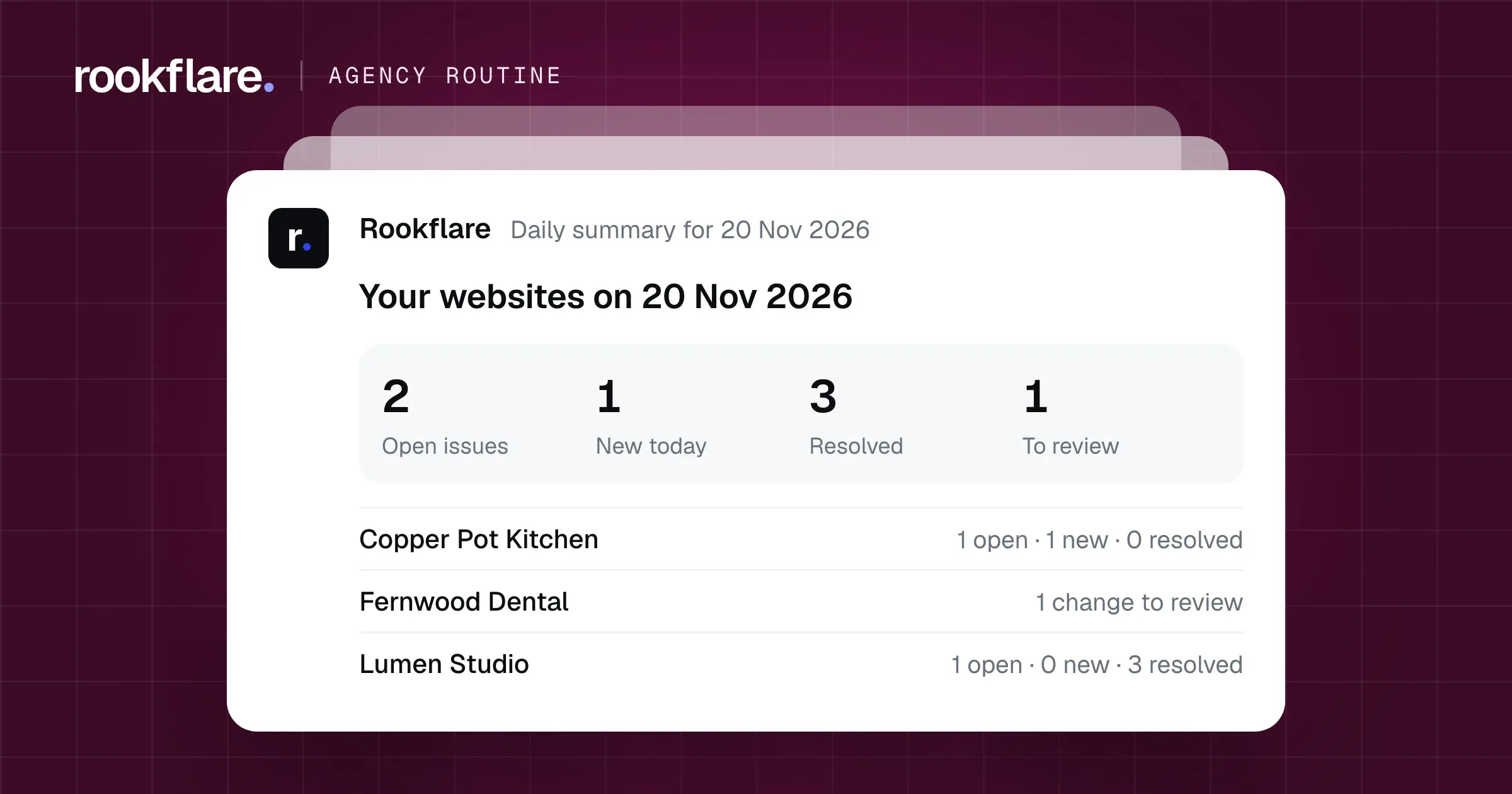
Rookflare scans each website on a schedule set by your plan and compares desktop and mobile screenshots with the approved baseline. Each scan also checks status codes, redirects, broken images, JavaScript errors, basic SEO and critical elements. Each website has its own alert settings for email and Slack, and a daily summary lists open, new and resolved issues across all websites. On the Agency plan, team members share the workspace and Rookflare builds a monthly report per website under your agency’s name, logo and colours. On plans with uptime monitoring (Growth and Agency), uptime checks also warn when a site’s SSL certificate expires within 14 days. Rookflare does not track domain renewal dates, so those stay on the monthly list. The Rookflare page for agencies lists what each plan includes.
Questions
How many client sites can one person monitor?
That depends on how much the tools filter. With automated checks and well-routed alerts, the daily triage stays short. Without them, one person can open only a handful of sites a day with any care. Track how long the weekly review takes and split sites between owners when it grows past half an hour.
Should low-risk sites be monitored at all?
Yes, at a slower rhythm. Low-risk sites fail less often, but they also get looked at least, so a broken page can stay broken for weeks.
Share this article

Written by
Gražvydas Adomuška
Co-founder, marketing at Rookflare
Gražvydas is a co-founder of Rookflare and leads its marketing. That covers how website owners and agencies find the product, from search results and this blog to the reports agencies send their clients. Gražvydas writes about the marketing side of monitoring: keeping search traffic safe through releases, and showing clients the work behind a healthy website.
More from Gražvydas AdomuškaKeep reading
-
Agencies
How to add website monitoring to client maintenance plans
Agencies that sell maintenance plans need monitoring they can promise and price. The tool types agencies use, which checks belong in each plan tier, response times to write down and the parts monitoring never covers.
-
Agencies
Website monitoring tools for agencies compared (2026)
Fourteen monitoring tools compared for agencies with many client sites: visual changes, uptime, SSL, broken links, Core Web Vitals, white-label reports and price, with a source for every fact.
-
Agencies
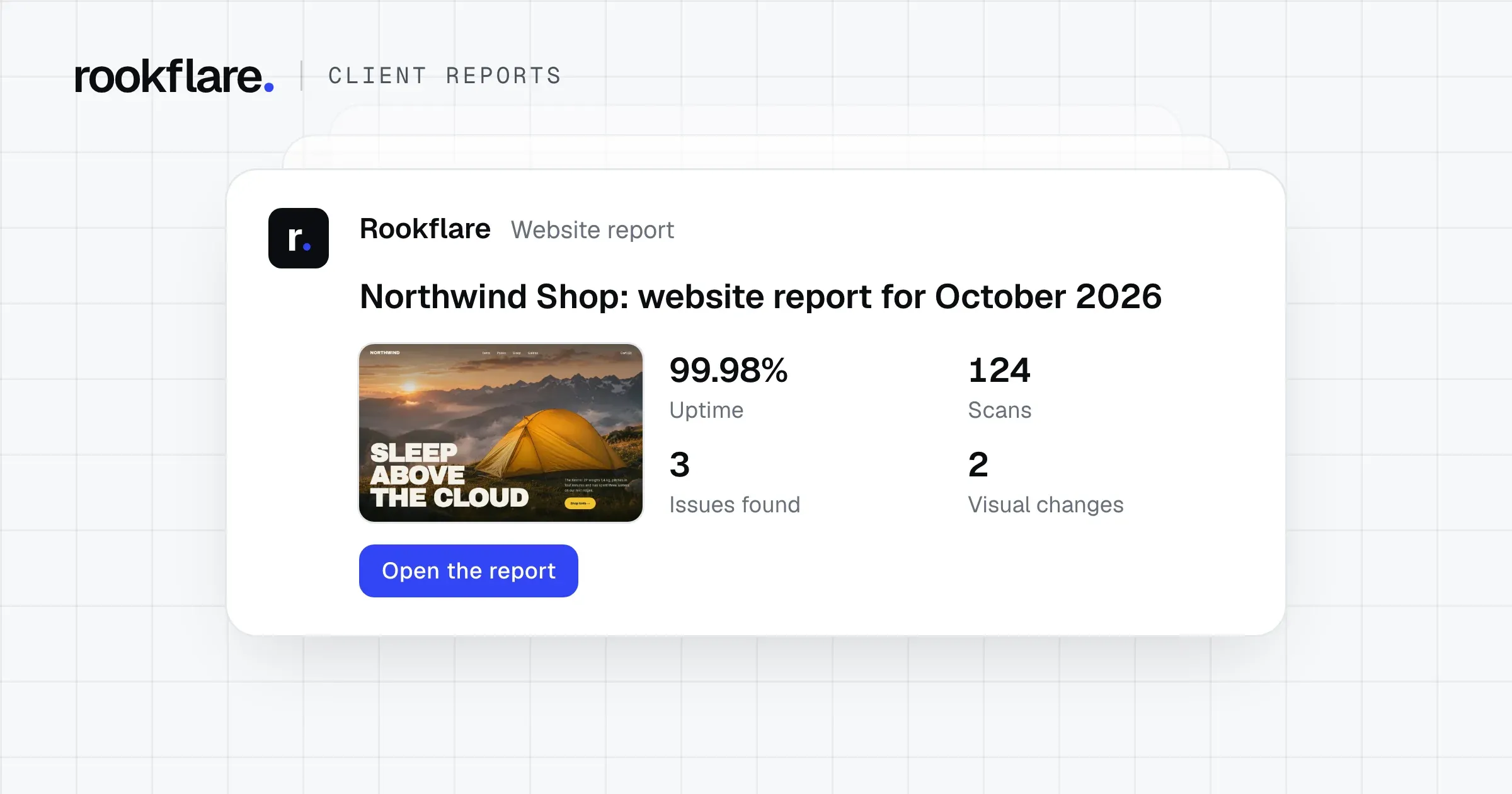
Monthly website report template for clients, with examples
Clients skim a monthly report for one answer: should I worry? A one-page template you can copy, what to put in each section, how to read uptime percentages, and wording for the months when something broke.

