Website monitoring tools for agencies compared (2026)
Fourteen monitoring tools compared for agencies with many client sites: visual changes, uptime, SSL, broken links, Core Web Vitals, white-label reports and price, with a source for every fact.
 CEO of Rookflare
- Published
- Updated
- Reading time
- 14 min read
Key takeaways
- No single tool on this list covers every agency need, so pick by the job: uptime, visual checks, WordPress care or client reports.
- Oh Dear and Rookflare both cover uptime, SSL, broken links and white-label reports; Rookflare adds scheduled screenshot comparison, Oh Dear adds checks from several locations.
- WordPress agencies can pair a management tool such as ManageWP, MainWP or WP Umbrella with a monitoring tool.
- Competitor facts come from each vendor's own pages, checked on 2026-11-19 and 2026-11-21. This is a comparison from documentation, not a hands-on test.
The best website monitoring tool for an agency depends on the job. Oh Dear and Rookflare cover uptime, SSL, broken links and white-label reports for many client sites. UptimeRobot, StatusCake, Better Stack and Pingdom focus on uptime, Uptime Kuma is a free self-hosted option, and ManageWP, MainWP and WP Umbrella fit WordPress care plans. For visual checks, Rookflare compares live pages with an approved screenshot on a schedule, while Diffy and Percy test changes around a release.
Last checked: 2026-11-19; StatusCake, Pingdom, Uptime Kuma and MainWP added and checked 2026-11-21. Rookflare is our product. Every other fact comes from each vendor’s public pricing and feature pages, linked in its section; we did not test each tool hands-on.
How did we compare the tools?
We read each tool’s own pricing and feature pages and noted what they say about nine points: multi-site handling, visual change detection, uptime interval, SSL, broken links, Core Web Vitals, white-label reports, alert channels and price per number of sites.
“Not stated” means the vendor’s pages do not mention it, not that the tool lacks it. Prices are copied as shown, in the page’s currency.
Rookflare’s facts come from its plan limits and its code. Because the other tools were not tested, we do not score or rank any tool, Rookflare included. For one-to-one comparisons with seven of these tools, see the Rookflare alternatives pages.
Website monitoring tools for agencies compared
The table gives one line per tool; scroll it sideways to see every column. Each tool’s section below links the pages each fact comes from.
| Tool | Built for | Visual changes | Fastest uptime check | SSL expiry | Broken links | White-label reports | Starting price (as checked) |
|---|---|---|---|---|---|---|---|
| Rookflare | Your own sites | Desktop and mobile vs an approved screenshot | Agency: every minute, one EU location | 14-day warning (Growth, Agency) | Weekly, up to 2,000 pages (Agency) | Monthly, Agency plan | €19 a month, 1 website, provisional |
| Oh Dear | Agencies | Not stated | Every minute, several locations | Yes | Daily crawl | Monthly, every plan | $17 a month, 2 sites |
| UptimeRobot | Uptime | Not stated; lists change detection | 15 seconds (Scale) | Paid plans | Not stated | Not stated | Free, 50 monitors; Solo €10 a month |
| Better Stack | Uptime and on-call | Screenshot when down; comparison not stated | 30 seconds | Yes | Not stated | Not stated | Free, 10 monitors; $34 per responder seat |
| ManageWP | WordPress | Before and after updates | 60 seconds (add-on) | Not stated | Daily (add-on) | Premium Client Report | Free core; add-ons from $1 per site |
| WP Umbrella | WordPress | Visual regression on updates | Not stated | Yes | Not stated | Included | €1.99 per site a month |
| Diffy | Release testing | Between environments and on a schedule | Not stated | Not stated | Not stated | Not stated | Free plan; Pro from $67 a month, yearly |
| Percy | Testing in CI | From your tests or a sitemap scan | Not stated | Not stated | Website Scanner, plan not stated | Not stated | Free plan; Desktop from $199 a month, yearly |
| Visualping | Any page | Before-and-after screenshots | Not stated | Not stated | Not stated | Not stated | Free, 5 pages; $14 a month, 10 pages |
| ChangeTower | Any page | Full-page, pixel-level | Not stated | Not stated | Mentioned for SEO monitoring | White-label change reports, plan not stated | Free, 3 pages; $12 a month, 25 pages |
| StatusCake | Uptime | Not stated | 30 seconds (Business) | SSL monitors | Not stated | White-label reporting, plan not stated | Free, 10 monitors; Superior €19.99 a month |
| Pingdom | Uptime, real users | Not stated | Not stated | Not stated | Not stated | Not stated | $18 a month, 10 uptime checks |
| Uptime Kuma | Self-hosted uptime | Not stated | 20 seconds | Certificate info | Not stated | Not stated | Free, open source; you host it |
| MainWP | WordPress | Not stated | Not stated | Not stated | Not stated | Pro | Free core; Pro $29 a month |
What each monitoring tool is best for
Rookflare: screenshot comparison with uptime and client reports
- Best for: agencies that want client pages compared with an approved screenshot, plus uptime, SSL, broken links and white-label reports.
- What it checks: each scan compares desktop and mobile screenshots with the baseline (the approved screenshot) and checks status codes, redirects, broken images, JavaScript errors, search settings and critical elements. On Agency: scans every 6 hours, uptime every minute from one EU location with an SSL warning 14 days before expiry, a weekly broken links check of up to 2,000 pages from your sitemap, and Core Web Vitals for up to 25 pages per website. Alerts go by email, Slack, SMS and call; reports go out monthly as a link with a PDF copy. Each website can have a public status page with your brand on every plan and your own domain on every paid plan; only Agency can hide “Powered by Rookflare”.
- Limits: no on-call scheduling, uptime from one location, no domain expiry, no plugin updates or backups, public pages only, no staging versus production comparison. Starter has no uptime, broken links check or Slack.
- Price: Starter €19 a month for 1 website, Growth €49 for 5, Agency €99 for 20 websites and 500 monitored pages in total; provisional until billing launches, 14-day trial, no free plan. Sources: Rookflare pricing and the page for agencies.
Oh Dear: uptime, links and status pages for agencies
- Best for: agencies that want uptime from several locations, a daily broken-link crawl and a branded status page per client.
- What it checks: uptime every minute from multiple locations, broken links and mixed content, certificates, DNS, domain expiry, cron jobs and a daily Lighthouse run. Alerts go to Slack, email, Teams, PagerDuty, Opsgenie or webhooks; monthly branded client reports carry your logo and accent colour.
- Not stated: screenshot comparison, and Core Web Vitals by name.
- Price: every plan has every feature. Solo $17 a month for 2 sites, Studio $109 for 25, Agency $165 for 50 (the page showed euros from Europe: Solo €15). 10-day trial without a card. Sources: Oh Dear pricing and the Oh Dear homepage.
UptimeRobot: a large free tier for uptime checks
- Best for: agencies that mainly need down alerts and want to start for free.
- What it checks: HTTP, keyword, ping, port, DNS, heartbeat and response time monitors, every 5 minutes on Free down to 15 seconds on Scale. UptimeRobot’s comparison table lists SSL monitoring on paid plans only. Alerts include email, SMS, calls, Slack and webhooks.
- Not stated: screenshot comparison, broken links, Core Web Vitals and client reports; Team adds 100 white-label status pages.
- Price: Free for 50 monitors; Solo €10, Team €41 and Scale €77 a month on monthly billing (€9, €35 and €65 billed annually). Sources: UptimeRobot pricing and the UptimeRobot homepage.
Better Stack: uptime with on-call and escalation
- Best for: teams that need on-call scheduling, escalation and unlimited phone and SMS alerts.
- What it checks: HTTP, API and heartbeat monitors from around the world, every 3 minutes free and as fast as 30 seconds paid, plus SSL and domain expiry. It takes a screenshot of the error when a site is down.
- Not stated: screenshot comparison over time, broken links, Core Web Vitals and client reports.
- Price: free for 10 monitors and 1 status page; $34 a month per responder seat plus $25 per 50 extra monitors; extra status pages $15 a month, white-label $250 per page. Sources: Better Stack pricing and Better Stack Uptime.
ManageWP: WordPress management with per-site add-ons
- Best for: WordPress agencies that run client updates and backups and add monitoring per site.
- What it checks: Safe Updates take a before and after screenshot of a chosen page and roll back on a 4xx or 5xx error (needs the premium Backups add-on). Uptime Monitor checks every 60 seconds with email, SMS or Slack alerts; Link Monitor checks for broken links daily. The Premium Client Report removes the ManageWP watermark.
- Not stated: SSL expiry and Core Web Vitals.
- Price: core features free on unlimited websites; add-ons $1 per site a month (Backups $2), or a $25 bundle per add-on (Backups $75) for up to 100 sites; all bundles together $150. Sources: ManageWP pricing, Safe Updates, Uptime Monitor, Link Monitor and Client Report.
WP Umbrella: one price per WordPress site
- Best for: WordPress agencies that want updates, backups, uptime and white-label reports at one price per site.
- What it checks: uptime, domain and SSL expiry, PHP errors, Google PageSpeed and response time, and white-label client reports. Bulk safe updates use built-in checks with automatic rollback, and the homepage lists visual regression testing.
- Not stated: the uptime interval, broken links and alert channels.
- Price: €1.99 per site a month, one plan; 14-day trial without a card. Sources: WP Umbrella pricing and the WP Umbrella homepage.
Diffy: visual regression testing for releases
- Best for: agencies that compare staging with production before a release, with dedicated pages for Drupal and WordPress.
- What it checks: screenshot comparisons between environments, scheduled every few hours, daily or on chosen days; Pro adds CI automation with GitHub Actions and GitLab CI.
- Not stated: uptime, SSL, broken links, client reports and alert channels.
- Price: free for 500 screenshots a month; Pro from $67 a month, billed annually. Source: the Diffy homepage and pricing.
Percy: visual testing inside your CI pipeline
- Best for: development teams that review visual changes in each build, across browsers and screen widths.
- What it checks: screenshots from your test suite or a sitemap scan; its scanner page offers hourly, daily or weekly scans of live sites. BrowserStack’s Website Scanner also runs broken link scans, plan and price not stated.
- Not stated: uptime, SSL and client reports.
- Price: free for 5,000 screenshots a month; Desktop from $199 a month, billed annually. Sources: Percy pricing, Percy Website Scanner and plans and billing.
Visualping: tracking changes on pages you do not run
- Best for: watching competitor, supplier or regulator pages for changes.
- What it checks: before-and-after screenshot comparison with highlights of added and removed text, every 60 minutes on Free down to every 2 minutes on larger plans. Email and webhooks on every plan, SMS from Personal 5K, Slack and Teams on Business.
- Not stated: uptime, SSL, broken links and white-label reports.
- Price: free for 5 pages; Personal 1K $14 a month for 10 pages; 14-day Business trial without a card. Sources: Visualping pricing and the Visualping homepage.
ChangeTower: change history with client workspaces
- Best for: agencies that track content changes for clients and need a dated history of each change.
- What it checks: full-page, pixel-level screenshot comparison, daily on Free and Lite, hourly on Essential and Business. White-label change reports for client accounts are offered, plan not stated; scheduled email reports are on Business.
- Not stated: uptime and SSL; its SEO monitoring mentions broken links without detail.
- Price: free for 3 pages; Lite $12 a month for 25 pages, Business $78 for 200; 5-day trial with a card. Sources: ChangeTower pricing and agency client reporting.
StatusCake: uptime with SSL, domain and page speed monitors
- Best for: agencies that want uptime, page speed, SSL and domain checks in one uptime-focused tool.
- What it checks: uptime every 5 minutes on Free, every minute on Superior and every 30 seconds on Business. Page speed, domain and SSL monitors come with their own counts and intervals, such as SSL checks every 30 minutes on Superior. Email alerts plus more than 15 third-party integrations; free monthly SMS credits are listed, amounts per plan not labelled. White Label Reporting is listed, plan not stated.
- Not stated: screenshot comparison and broken links.
- Price: free for 10 uptime monitors; Superior €19.99 a month for 100 (€16.66 billed annually), Business €69.99 for 300 (€58.33 annually). 7-day trial without a card. Source: StatusCake pricing.
Pingdom: uptime and real user monitoring
- Best for: teams that want uptime checks next to real user monitoring of page speed.
- What it checks: uptime from more than 100 servers worldwide, transaction monitoring, page speed monitoring and public status pages, with alerts by SMS, email or webhook. Real user monitoring is priced by pageviews.
- Not stated: the check interval, SSL expiry, screenshot comparison, broken links and client reports.
- Price: Synthetic Monitoring from $18 a month for 10 uptime checks, 1 advanced check and 50 SMS alerts ($16.50 billed annually), from the pricing page’s calculator data; the uptime page offers the first 30 days free. Sources: Pingdom pricing and Pingdom uptime monitoring.
Uptime Kuma: free, self-hosted uptime checks
- Best for: agencies with someone who can run and update a server for the monitor.
- What it checks: HTTP(s), keyword, JSON query, TCP, ping, DNS, push and other monitors with 20-second intervals, more than 90 notification services such as Slack, Telegram and email, multiple status pages and certificate info.
- Not stated: screenshot comparison, broken links and client reports. Checks run from the server you install it on, and you look after that server.
- Price: free and open source under the MIT licence. Source: Uptime Kuma on GitHub.
MainWP: self-hosted WordPress management
- Best for: WordPress agencies that want updates, backups and uptime in a dashboard they host themselves.
- What it checks: the free core includes updates, backups and uptime monitoring on unlimited sites; client reports and white labelling are in Pro.
- Not stated: the uptime interval, SSL expiry, screenshots around updates and broken links.
- Price: Essentials free; Pro $29 a month, $149 a year (promotional; $199 regular, as checked 2026-11-21) or $599 once for a lifetime licence. Source: MainWP pricing.
What monitoring 20 or 50 client websites costs
Per-site maths from the list prices above, on monthly billing. The tools cover different checks, so compare those first.
| Tool | 20 websites | 50 websites | What the price covers |
|---|---|---|---|
| Rookflare | Agency, €99 (€4.95 per site) | Does not fit one plan | Screenshots, page checks, uptime, SSL, links, reports |
| Oh Dear | Studio, $109 (up to 25 sites) | Agency, $165 | Uptime, SSL, links, Lighthouse, reports, status pages |
| WP Umbrella | 20 × €1.99 = €39.80 | 50 × €1.99 = €99.50 | WordPress updates, backups, uptime, reports |
| ManageWP | Uptime, report and links: 20 × $3 = $60 | Three $25 bundles = $75 | WordPress add-ons; Backups for Safe Updates cost extra |
| UptimeRobot | Free, one monitor per site at 5 minutes | Free, 50 monitors at 5 minutes | Uptime only; SSL monitoring needs a paid plan |
| StatusCake | Superior, €19.99 (100 uptime monitors) | Superior, €19.99 | Uptime; SSL, domain and page speed monitors counted apart |
| MainWP | Pro, $29 (unlimited sites) | Pro, $29 | WordPress updates, backups, uptime, reports; self-hosted |
| Uptime Kuma | Free, plus the server you run it on | Free, plus the server | Uptime and status pages; self-hosted |
Among the hosted tools here, UptimeRobot’s free tier covers the most monitors at no cost.
What is the best website monitoring tool for agencies?
Start from the problem your clients call you about, then match it to one of these four situations.
Small agency running WordPress sites
WP Umbrella and ManageWP handle updates and backups, check pages around updates and send white-label reports. MainWP covers updates, backups and uptime from a dashboard you host, with reports in Pro. Add a monitoring tool when a broken layout or form could go unnoticed between updates; how to monitor client websites as an agency shows which pages to watch.
Agency that sends white-label reports
Oh Dear includes branded reports on every plan, WP Umbrella in its per-site price and Rookflare on Agency. The monthly client report template lists what a report should answer, and adding monitoring to client maintenance plans shows which checks belong in each plan tier.
Uptime only
UptimeRobot’s free tier covers 50 monitors at 5-minute checks and StatusCake’s covers 10; Uptime Kuma is free if you host it. Better Stack adds on-call scheduling, Oh Dear adds status pages and broken links, and Pingdom adds real user monitoring. A site can return 200 and still look broken, which is why uptime is not enough on its own.
Visual QA before a release
Diffy and Percy compare screenshots before a change goes live, between staging and production or in CI. Rookflare checks the live site against an approved baseline on a schedule and, on Growth and Agency, after each deploy; visual regression testing without code explains when each fits.
Questions
Is there one tool for uptime, SSL, broken links and visual changes?
Rookflare’s Growth and Agency plans cover all four: uptime with SSL expiry warnings, a weekly broken links check and screenshot comparison with an approved baseline. Oh Dear covers uptime, SSL and broken links, and WP Umbrella and ManageWP cover several of the four around WordPress updates. Rookflare’s Starter plan has no uptime or broken links check.
What is the cheapest way to monitor 20 websites?
For uptime only, UptimeRobot’s free tier, without SSL monitoring. For WordPress care with reports, WP Umbrella at €39.80 a month. Rookflare’s Agency plan costs €99 a month for 20 websites with screenshots, uptime, SSL, broken links and reports.
Can one tool monitor 50 client websites?
Yes: Oh Dear’s Agency plan covers 50 sites, ManageWP bundles cover up to 100 sites each, MainWP manages unlimited sites, and WP Umbrella charges per site. Rookflare’s largest plan covers 20 websites, so 50 sites do not fit one Rookflare plan.
Does Rookflare have status pages or on-call scheduling?
Status pages yes, on-call scheduling no. Each website can have one public status page on every plan, hosted by Rookflare, with confirmed outages and the updates you post, it can carry your brand on every plan and run on your own domain on every paid plan; visitors can subscribe to it by email. Oh Dear, UptimeRobot, Better Stack, Pingdom and Uptime Kuma include status pages too, and Better Stack lists on-call scheduling. You can check a single certificate any time with the free SSL certificate checker.
Did you test every tool on this list?
No. Competitor facts come from each vendor’s own pages as they read on 2026-11-19, or 2026-11-21 for the four tools added then; Rookflare’s come from our plan limits and code.
Share this article

Written by
Dalius Pamedytis
CEO of Rookflare
Dalius is the CEO of Rookflare and the engineer who builds it, from the Playwright scanner that captures every page to the dashboard where you review what changed. Day to day he also works on large marketing websites and dashboards, so he has seen how a quiet release can break a checkout button or a sign-up form. He writes about what actually breaks on real websites and the simplest way to catch it before your visitors do.
More from Dalius PamedytisKeep reading
-
Agencies
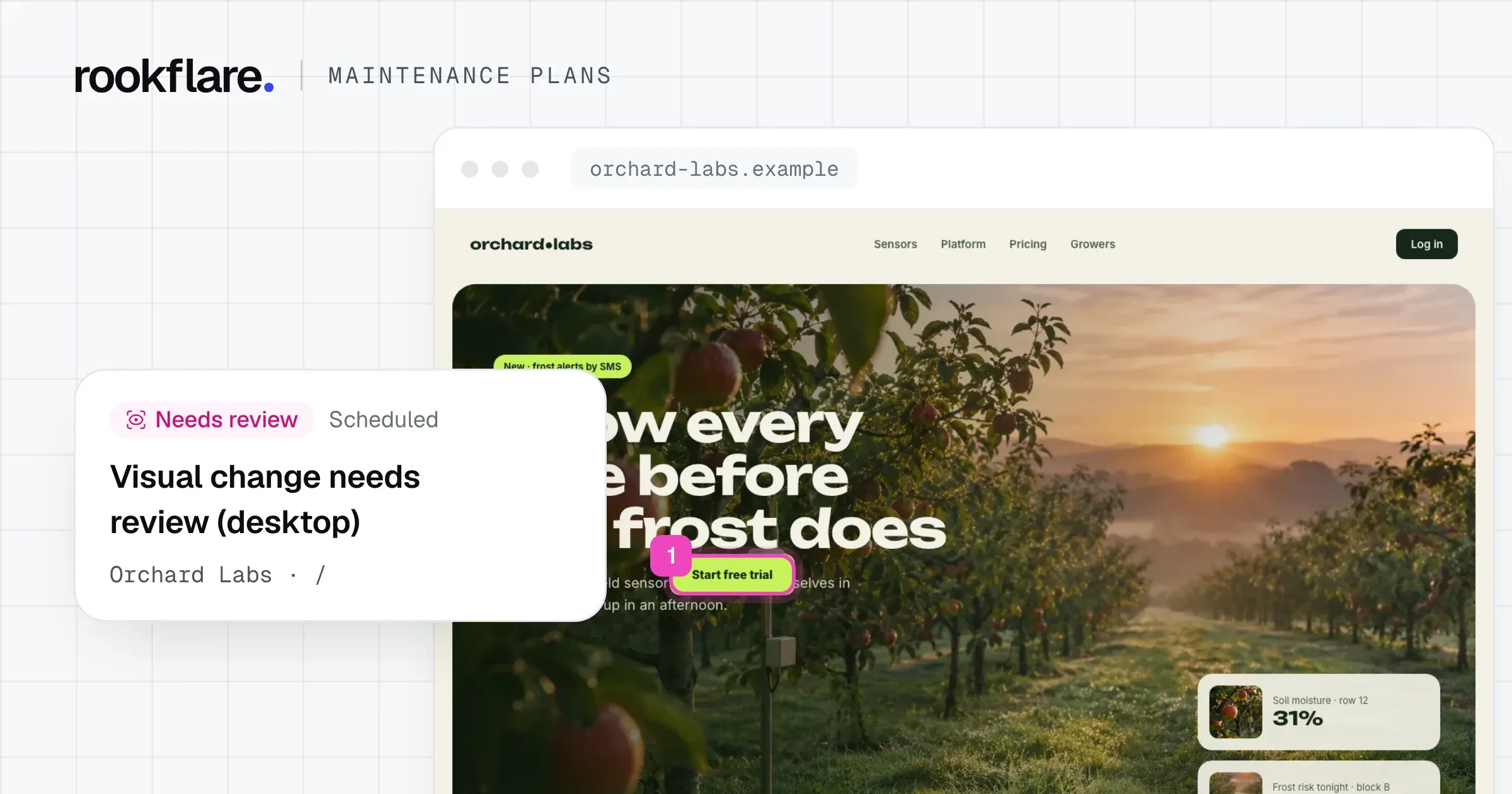
How to add website monitoring to client maintenance plans
Agencies that sell maintenance plans need monitoring they can promise and price. The tool types agencies use, which checks belong in each plan tier, response times to write down and the parts monitoring never covers.
-
Agencies
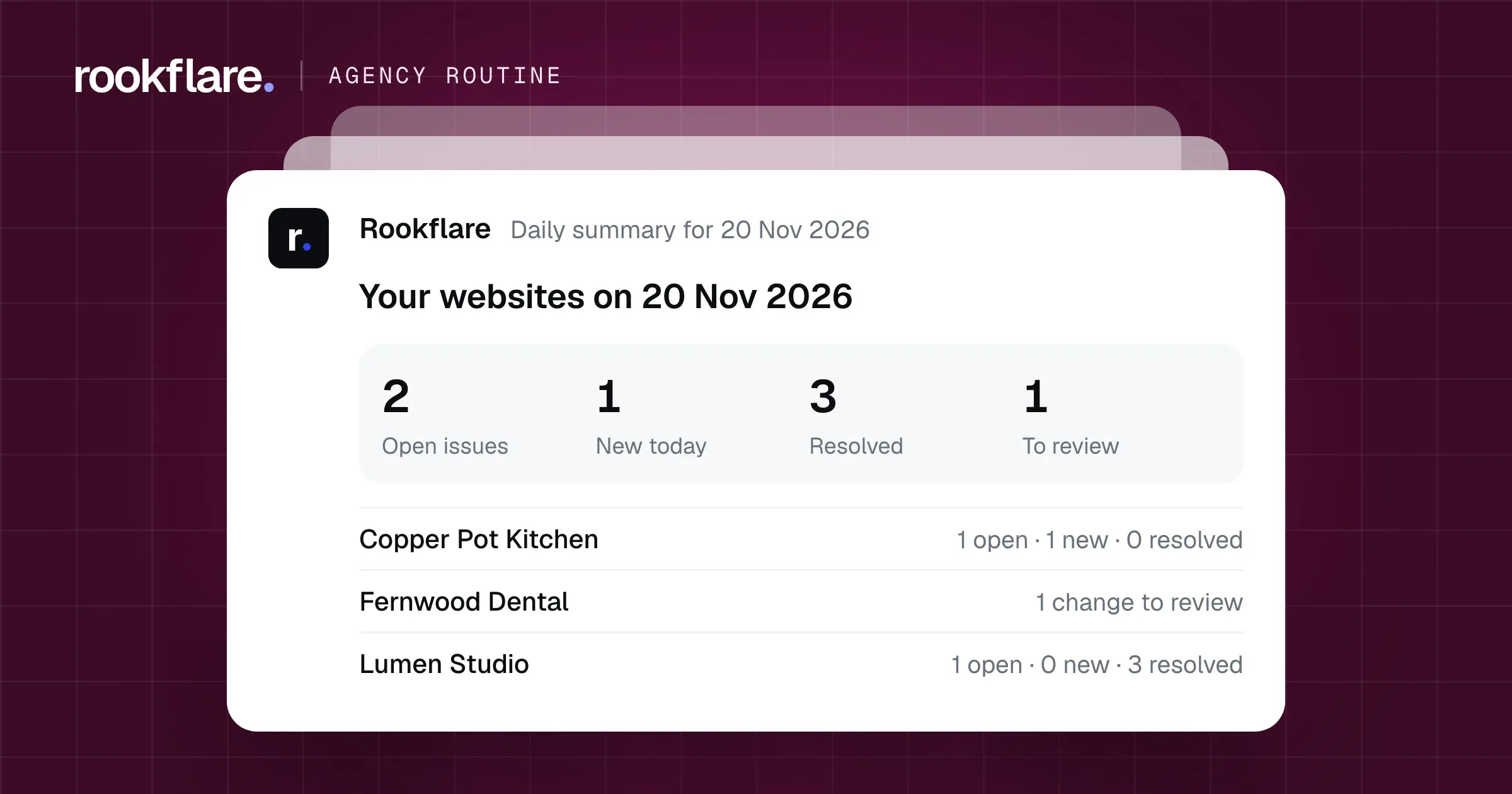
How to monitor client websites: a routine for agencies
Thirty client sites and a small team leave no time to open each one every morning. How to sort sites by risk, which pages to watch, and a daily, weekly and monthly routine that keeps people on the decisions.
-
Agencies
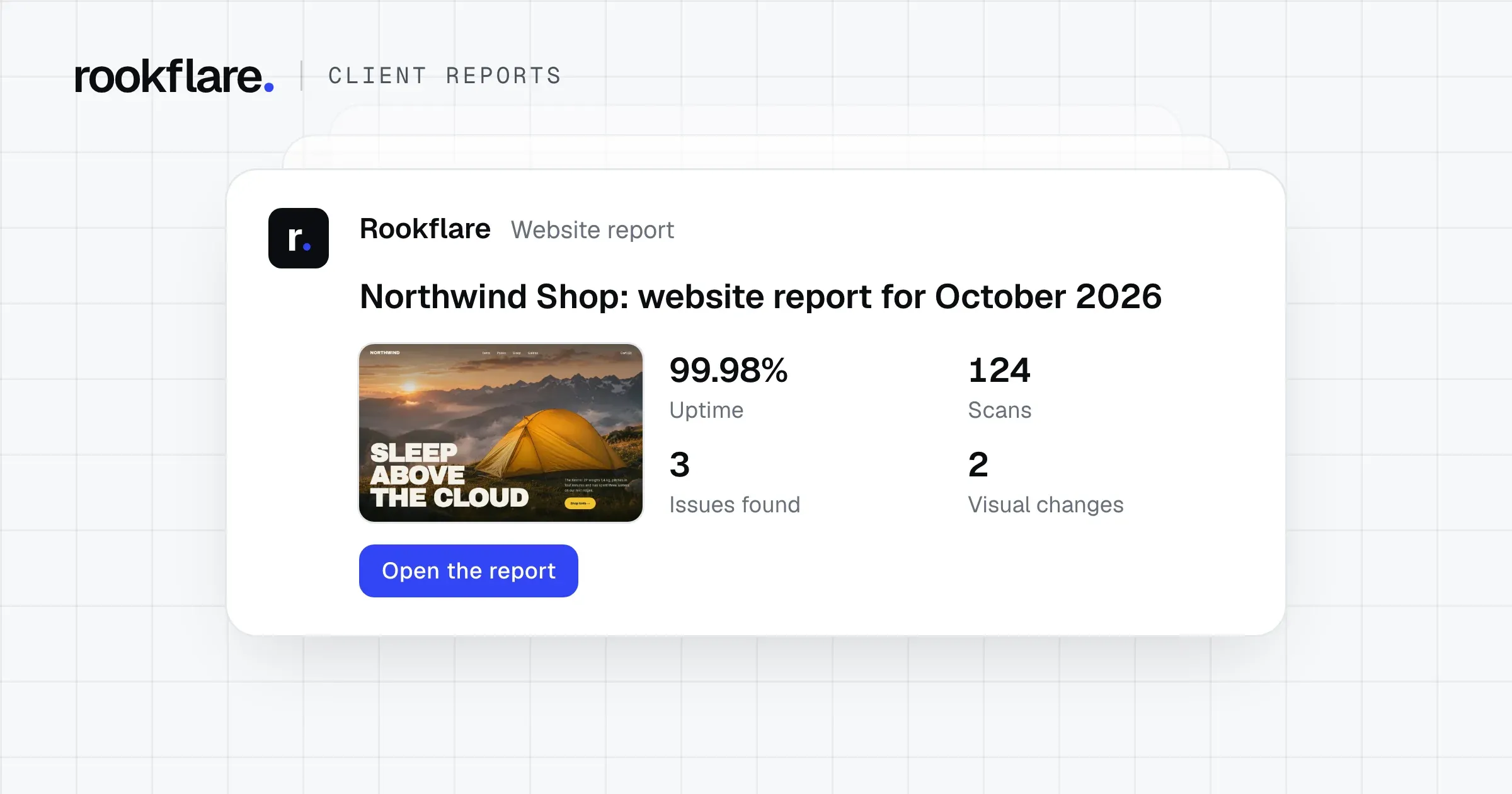
Monthly website report template for clients, with examples
Clients skim a monthly report for one answer: should I worry? A one-page template you can copy, what to put in each section, how to read uptime percentages, and wording for the months when something broke.

