SSL certificate auto-renewal failed: how to find the cause
Automatic renewal makes an expired certificate rare, not impossible, and Let's Encrypt no longer sends reminder emails. How to check what visitors are served, find the renewal step that broke and set alerts that fit shorter certificate lifetimes.
 CEO of Rookflare
- Published
- Reading time
- 8 min read
Key takeaways
- Check the certificate visitors get, not the files on the server: a renewed file changes nothing until the server reloads it.
- Auto-renewal breaks at one of four steps: the schedule, domain validation, the reload or a hostname nobody added.
- A Certbot dry run tests the whole renewal against the staging server without touching the live certificate.
- Let's Encrypt stopped sending expiry emails in June 2025, so the warning has to come from your own checks.
- Set the alert below the renewal point, so an alert always means renewal has already failed and there is still time to fix it.
When a certificate on automatic renewal expires, renewal usually stopped working days or weeks earlier, and nothing told you. Check which certificate visitors get, then find which of four steps failed: the schedule, domain validation, the reload or the hostname list. Fix that step and add an expiry alert that fires while there is still time.
Why auto-renewed certificates still expire
Automatic renewal runs unattended. A server move, a DNS change or a new firewall rule can break one step, and renewal fails quietly until the old certificate runs out.
Two recent changes make a silent failure more likely:
- No reminder emails. Let’s Encrypt ended its expiration notification emails on June 4, 2025.
- Shorter lifetimes. The CA/Browser Forum’s ballot SC-081 cuts the maximum lifetime of public TLS certificates from 398 to 47 days, in steps between March 2026 and March 2029. Let’s Encrypt plans to move its default from 90 to 64 days in February 2027 and to 45 days in February 2028.
The full lifetime schedule, and what browsers show when a certificate runs out, is on the SSL certificate checker page.
Check the certificate visitors actually get
Start from the outside. A server can hold a fresh certificate on disk and still send the old one. Ask it which certificate it presents:
host=www.example.com
echo | openssl s_client -connect "$host:443" -servername "$host" 2>/dev/null \
  | openssl x509 -noout -issuer -enddate
The -servername flag sends the hostname in the handshake (SNI). Without it, a server that hosts several sites may answer with another site’s certificate. The output names the issuer and the notAfter expiry date.
To see which names the certificate covers, print its Subject Alternative Name line:
echo | openssl s_client -connect "$host:443" -servername "$host" 2>/dev/null \
  | openssl x509 -noout -text | grep -A1 'Subject Alternative Name'
Then compare with the server. On a Certbot machine, sudo certbot certificates lists each certificate with its expiry date. A newer date on disk than in the handshake points at the reload. The same old date in both places means renewal itself failed.
Behind a CDN or a load balancer, visitors get that service’s certificate. To check your own server, connect to its IP address with the public hostname: -connect 203.0.113.10:443 -servername www.example.com.
The four steps where auto-renewal breaks
Every ACME client (Certbot, acme.sh or the one built into a hosting panel) depends on the same four steps. Steps 3 and 4 can fail while the renewal log reports success.
| Step | What it does | Typical symptom | What breaks it |
|---|---|---|---|
| 1. Schedule | A timer or cron job starts the client | No new lines in the renewal log | Timer off, cron job lost in a server move |
| 2. Validation | The certificate authority checks you control the domain | Challenge errors in the log | Port 80 closed, DNS moved, a firewall rule, a CAA record |
| 3. Reload | The web server loads the new files | New certificate on disk, old one in the browser | No reload after renewal, an uploaded copy on a CDN |
| 4. Hostnames | Every name visitors use is covered | Main site fine, one subdomain expires | A subdomain set up by hand or served by another server |
Step 1: confirm the renewal job still runs
Most Certbot installs come with a scheduled task that runs certbot renew. The Certbot user guide says to look for it in the systemd timers or the crontab:
systemctl list-timers | grep -i certbot
grep -rs certbot /etc/crontab /etc/cron.*/
Snap installs use snap.certbot.renew.timer, which the first command already shows. No timer and no cron line means nothing renews. Since version 4.0, Certbot renews a certificate when less than a third of its lifetime is left; older versions used a fixed 30 days.
Then test the whole chain without touching the live certificate:
sudo certbot renew --dry-runA dry run requests test certificates from the Let’s Encrypt staging server and does not save them. If it fails, the error names the failing step. Logs of earlier runs are in /var/log/letsencrypt/.
On managed hosting you cannot see or edit the timer: cPanel AutoSSL, managed WordPress hosts and CDNs such as Cloudflare renew for you. Run the outside check above, then send the host the hostname, the expiry date the handshake shows and the step that looks broken.
Step 2: find out why domain validation fails
Most renewal errors are validation errors. With the HTTP-01 challenge, the certificate authority fetches a file from /.well-known/acme-challenge/ on your domain. The Let’s Encrypt challenge types page sets the rules. HTTP-01 only works on port 80, and redirects are followed only to http or https on ports 80 and 443. Wildcard certificates need the DNS-01 challenge, which needs an API at your DNS provider.
Run three checks from outside your network:
curl -sIL http://www.example.com/.well-known/acme-challenge/test
dig +short A www.example.com
dig +short CAA example.com
Read the answers like this:
- curl may first show a 301 to https on the same host. That is normal, and
-Lfollows it. The final answer should be a 404 from your own server, because the test file does not exist. A timeout means port 80 is closed. A 403 or a challenge page points at a firewall or bot protection. A redirect to a login page or another host sends the check to the wrong place. - dig A must point at the server that runs the renewal. After a move to new hosting or a CDN, the old server keeps trying to renew while the challenge request goes to the new one.
- dig CAA may be empty. If it returns records, one must name your certificate authority, such as
0 issue "letsencrypt.org", as the Let’s Encrypt CAA guide shows.
Fix the cause before you retry. The Let’s Encrypt rate limits allow 5 failed authorizations per hostname, per account, per hour. Retry with --dry-run, which runs against staging, until it passes.
Step 3: reload the server after every renewal
A web server reads certificate files when it starts or reloads. Renewal writes new files, but visitors keep getting the old certificate until the next reload, so it expires on schedule although renewal worked.
Certbot runs every executable file in /etc/letsencrypt/renewal-hooks/deploy/ after a successful renewal, and only then. A two-line script reloads nginx:
sudo tee /etc/letsencrypt/renewal-hooks/deploy/reload-nginx.sh >/dev/null <<'EOF'
#!/bin/sh
systemctl reload nginx
EOF
sudo chmod +x /etc/letsencrypt/renewal-hooks/deploy/reload-nginx.sh
Use your own server’s reload command. A load balancer or CDN that got the certificate as an upload needs a step that pushes the new files after each renewal.
Step 4: list every hostname that needs a certificate
The main site often renews fine while a second name expires: the bare domain or www, a shop, an API, a staging host. Publicly trusted certificates are written to public Certificate Transparency logs, so a log search shows the names certificates were issued for on your domain. crt.sh offers a JSON output; it can take a while to answer:
curl -s 'https://crt.sh/?q=%25.example.com&output=json' \
  | jq -r '.[].name_value' | sort -u
After a domain move, keep the old domain on the list. Its redirects only work while it has a valid certificate, as covered in checking redirects after a migration.
Then check all names at once. Put one hostname per line in hosts.txt and run:
#!/usr/bin/env bash
# usage: ./check-certs.sh hosts.txt
while read -r host || [ -n "$host" ]; do
  if [ -z "$host" ]; then
    continue
  fi
  cert=$(echo | openssl s_client -connect "$host:443" -servername "$host" 2>/dev/null)
  end=$(printf '%s' "$cert" | openssl x509 -noout -enddate 2>/dev/null | cut -d= -f2)
  if [ -z "$end" ]; then
    printf '%s\tNO CERTIFICATE\n' "$host"
  elif printf '%s' "$cert" | openssl x509 -noout -checkend 1209600 >/dev/null; then
    printf '%s\tOK\t%s\n' "$host" "$end"
  else
    printf '%s\tEXPIRED OR UNDER 14 DAYS\t%s\n' "$host" "$end"
  fi
done < "$1"
The -checkend option fails when the certificate expires within the given seconds, as the OpenSSL x509 manual describes; 1209600 seconds is 14 days. NO CERTIFICATE means nothing answered with TLS on port 443. The script checks dates only, so a certificate for the wrong name or with a broken chain still prints OK. The Subject Alternative Name command above shows the names.
Set an expiry alert that fits the certificate lifetime
An alert that fires too early warns about renewals that are still on time. One that fires too late leaves no time to fix anything. Set it well below the point where renewal should have happened. Then every alert means renewal has failed, with days left to fix it.
With Certbot’s rule of renewing at one third of the lifetime, these thresholds leave about half of that last third for the fix:
| Certificate lifetime | Renewal starts with | Alert below | When the alert fires |
|---|---|---|---|
| 90 days (Let’s Encrypt today) | 30 days left | 14 days | Renewal failing for 16 days, 14 to fix |
| 64 days (from February 2027) | 21 days left | 10 days | Renewal failing for 11 days, 10 to fix |
| 45 days (from February 2028) | 15 days left | 7 days | Renewal failing for 8 days, 7 to fix |
Watch from outside as well as on the server. A failing renewal job shows up in its log. Only an outside check sees an old certificate still in use or a hostname that never renewed. Agencies can add the certificate check to their routine for monitoring client websites.
What Rookflare checks on certificates
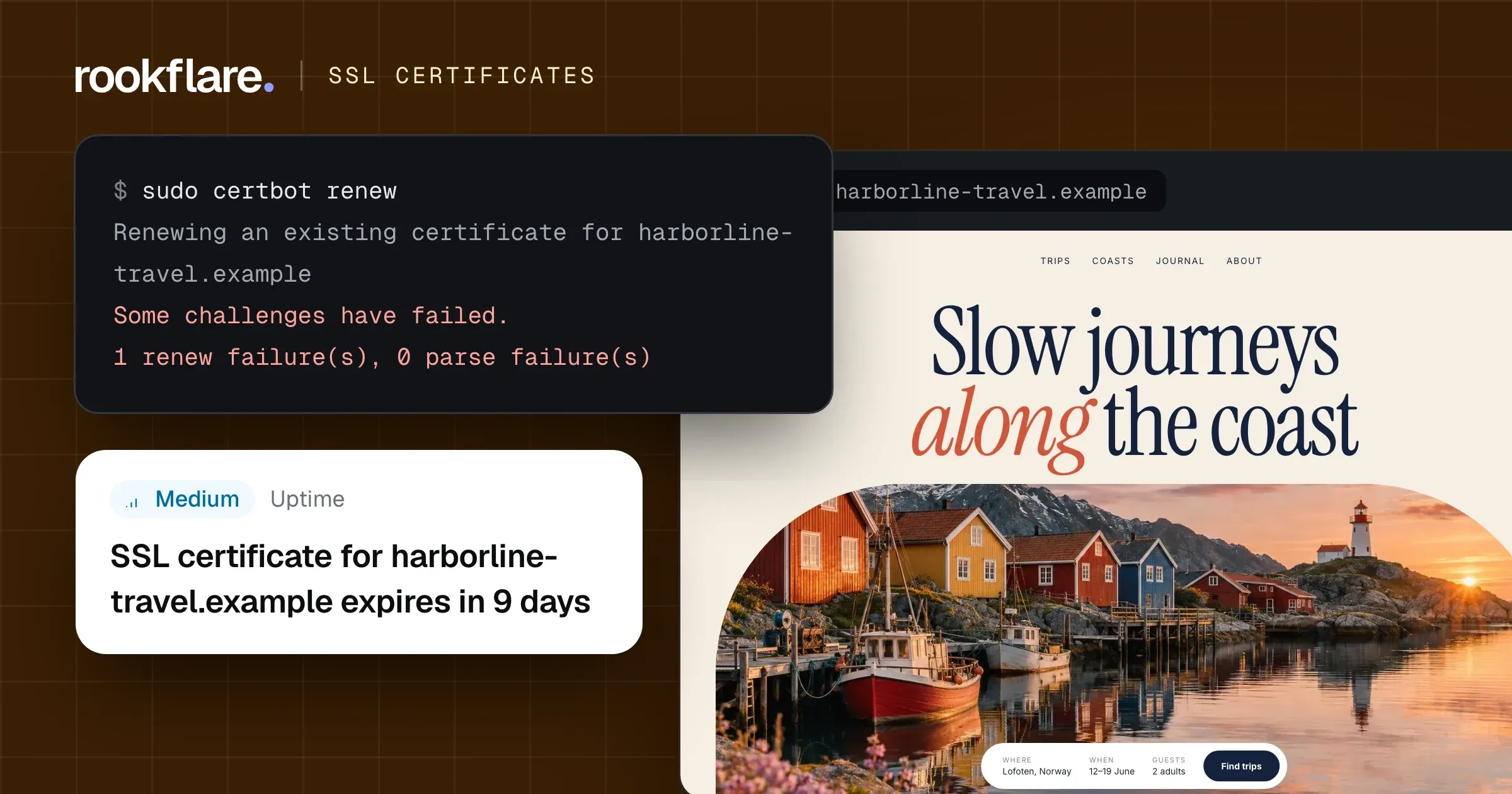
Rookflare’s uptime checks read the certificate of the host each check ends on, after any redirects. On the Growth and Agency plans, a certificate with 14 days or less left opens a medium-severity issue. Its title reads “SSL certificate for www.example.com expires in 9 days”. It goes to the website’s email and Slack alert channels at the default alert settings, once: medium issues get no reminders while they stay open.
The 14-day threshold is fixed. It suits 90-day certificates. With 45-day certificates from February 2028, renewal starts at about 15 days left, so the warning fires almost as soon as renewal is due. It is then a prompt to check, not proof that renewal failed. Add a tighter check of your own, such as the script above set to 7 days.
The expiry warning is only evaluated on checks that get a 2xx or 3xx answer. A certificate that has expired, does not cover the hostname or has a broken chain makes the check fail instead. After three failures in a row and a confirmation check, the URL counts as down, with the cause “TLS handshake failed (certificate problem)”. Uptime checks have blind spots of their own, covered in what an uptime check can and cannot see.
Uptime URLs must be on the website’s own hostname or below it, such as shop.example.com for a website added as example.com. Check intervals and URL limits per plan are on the uptime monitoring page.
Rookflare does not read your renewal log or test the ACME challenge. A name that only redirects is caught when its certificate fails, not 14 days before. Other domains, mail servers and internal services need their own checks.
Questions
How do I check when my SSL certificate expires?
Run the openssl s_client command from this article, or enter the hostname in the free SSL certificate checker. Both read the certificate the server sends to visitors.
Why does my site show an expired certificate after Certbot renewed it?
The web server is still using the certificate it loaded before the renewal. Reload it now, and add a deploy hook so the next renewal reloads it automatically.
Does Let’s Encrypt still send certificate expiry emails?
No. The service ended on June 4, 2025, so expiry warnings have to come from your own checks or a monitoring service.
Share this article

Written by
Dalius Pamedytis
CEO of Rookflare
Dalius is the CEO of Rookflare and the engineer who builds it, from the Playwright scanner that captures every page to the dashboard where you review what changed. Day to day he also works on large marketing websites and dashboards, so he has seen how a quiet release can break a checkout button or a sign-up form. He writes about what actually breaks on real websites and the simplest way to catch it before your visitors do.
More from Dalius PamedytisKeep reading
-
Uptime
Alert fatigue: email and Slack rules for website monitoring
A muted alert channel is worse than none, because everyone assumes someone else saw the message. How to measure alert noise, who should get which alert, and when a daily summary is enough.
-
Uptime
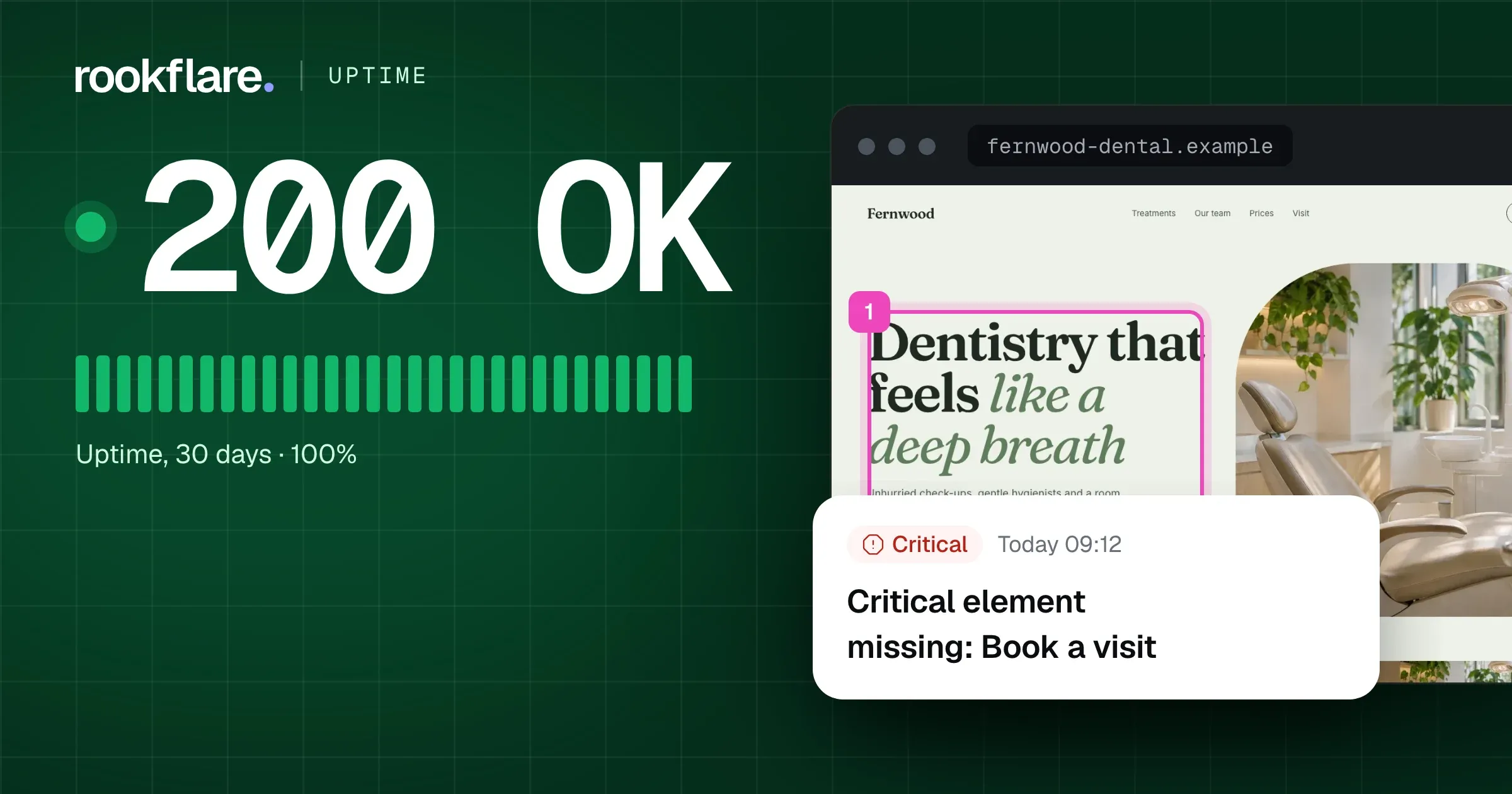
Website up but not working: when 200 OK hides a broken page
An error page, a checkout with a dead button and an unstyled page can all return 200. What uptime monitoring misses, what visual and technical checks add, and when one tool is enough.
