Noindex after a release and other SEO regressions to check
A staging setting that reaches production can take pages out of search for weeks before anyone notices. The five regressions to check after every release, a terminal check and a console check for JavaScript sites.
 Co-founder, marketing at Rookflare
- Published
- Reading time
- 6 min read
Key takeaways
- Most release-related SEO damage comes from noindex, canonicals, titles and robots.txt.
- None of them are visible on the page, so a visual review will not catch them.
- Check the raw HTML and the rendered head; Google may not render a page whose source says noindex.
- Compare with the previous release instead of an ideal. A change is the signal.
Four SEO regressions are worth checking after every release: a noindex on live pages, a wrong canonical, an empty or duplicated title, and a robots.txt that blocks the site. None of them change how the page looks. Check them in the HTML and HTTP headers of one page per template after every release, and compare with what was there before.
Why releases break SEO without a visible symptom
Search-related settings live in the page head and in HTTP headers, which nobody looks at during a normal review. They are often driven by environment configuration as well. Staging should stay out of search, so it gets a noindex; production should not. One mixed-up environment variable and the two swap.
Templates multiply the damage. A change to the head of the product template does not break one page. It breaks every product at once, and a broken canonical shows up as a slow decline in a traffic report weeks later. By then nobody links it to the release.
Site dropped out of Google after a deploy: what to check first
When pages drop out of Google after a deploy, look for a noindex first, in the robots meta tag and in the X-Robots-Tag header. Then read robots.txt for a new Disallow: /. Last, check that each canonical still points at the page itself. Those three explain most release-related drops.
Search Console confirms it. In the Page indexing report, pages blocked by a stray tag appear under the reason “URL marked ‘noindex’”. Some versions of the report, and many guides, call it “Excluded by ‘noindex’ tag”.
Open one affected URL in the URL Inspection tool and run a live test. If the live page still has the noindex, remove it at the source. Once it is gone, Request Indexing asks Google to crawl the page again.
The five regressions to check after each release
The table lists each regression, how it usually gets in and where to look for it.
| Regression | Typical cause | Where to look |
|---|---|---|
| noindex on live pages | Staging config or a CMS toggle reaches production | Robots meta tag and the X-Robots-Tag header |
| Wrong canonical | Built from the staging hostname, or always pointing to the home page | The rel="canonical" link on each template |
| Empty or duplicated titles | Template variable renamed, one fallback title used everywhere | The <title> on a few pages per template |
| robots.txt blocks the site | Disallow: / deployed from a non-production branch |
/robots.txt after every deploy |
| Missing H1 | Heading moved into a component that renders conditionally | One H1 per page template |
Google’s guide to the robots meta tag and X-Robots-Tag header lists every value. Note that none means the same as noindex, nofollow, so search for both.
Check one page per template from the terminal
For a server-rendered site, the response itself tells you most of what you need. The patterns below are rough and assume each tag sits on one line, which is fine for a quick check:
# the tags that matter, straight from the HTML
curl -s https://example.com/product/blue-kettle \
  | grep -ioE '<title[^>]*>[^<]*|<meta[^>]*robots[^>]*>|<link[^>]*canonical[^>]*>'

# the header version of noindex is easy to miss
curl -s -D - -o /dev/null https://example.com/product/blue-kettle | grep -i 'x-robots-tag'

# the file that can switch off a whole site
curl -s https://example.com/robots.txt
The second command makes a normal GET and prints only the headers, because some servers answer HEAD requests differently. If you would rather not use a terminal, the free meta tag checker shows the title, canonical and robots tags for one address.
Save the output for each template before the release. Afterwards, a diff of the two files shows every change in one place.
Check the rendered head when JavaScript sets the tags
Single-page apps and many frameworks set the title, canonical and robots tag after the page loads. In that case curl shows the empty shell, not what the browser ends up with. Paste this into the browser console after the page has loaded:
console.table({
	title: document.title,
	robots: document.querySelector('meta[name="robots"]')?.content ?? '(none)',
	canonical: document.querySelector('link[rel="canonical"]')?.href ?? '(none)',
	h1Count: document.querySelectorAll('h1').length,
})
Compare it with the curl output. The two should agree, and Google explains why in its JavaScript SEO basics. When Google finds noindex in the original HTML, it may skip rendering, so a script that removes the tag later may never run. Google also asks for the canonical set by JavaScript to match the one in the original HTML.
The rule that follows is simple. If the source says noindex and the rendered page does not, fix the source.
Read what a changed canonical means
A canonical is a hint to Google about which URL to show among duplicates. Google’s page on consolidating duplicate URLs explains how it weighs that hint. After a release, a changed canonical falls into one of a few patterns:
| Canonical after the release | What it means | Action |
|---|---|---|
| Same URL as the page | Self-referencing, the usual setup | None |
| A staging or preview host | Built from the wrong environment variable | Fix now |
| The home page, on every page | A fallback value used for the whole template | Fix now |
http:// instead of https:// |
Protocol taken from a proxy header | Fix in the next release |
| The same URL with tracking parameters | Built from the request URL, not the clean path | Fix in the next release |
| Missing | The tag was dropped from the template | Restore it in the next release |
Do not combine noindex with a robots.txt block
A robots.txt Disallow and a noindex work against each other. Google’s guide to blocking indexing with noindex says a page blocked by robots.txt is never crawled. Google then never sees its noindex, and the URL can still appear in results when other pages link to it.
So after a release, read robots.txt together with the tags. A Disallow: / that slipped in from staging is the loudest version of this problem. The free robots.txt validator shows which rules apply to which crawler. The other ways a robots.txt goes wrong, from a Googlebot group that drops the shared rules to a file on the wrong host, are in common robots.txt mistakes.
Redirects are the other release-time SEO risk, and they need a bulk check rather than one page per template. That routine, with chains and status codes, is in how to check redirect chains after a migration.
Keep staging out of search with two locks
Protect staging with authentication first. A password stops crawlers and people alike, and it cannot reach production by accident.
Add the noindex as a header in the staging server configuration, not in the application code that ships to production. With nginx, for example, the line lives only in the staging server block:
server {
  server_name staging.example.com;
  add_header X-Robots-Tag "noindex, nofollow" always;
}
If one lock fails, the other still holds. If the application template sets noindex from an environment variable instead, check that variable in the production deploy log.
Catch SEO changes between releases automatically
These regressions have one thing in common: they are changes. You do not need the ideal value of every tag, only to know that it differs from the last scan. A scheduled check suits that well, and it belongs on the list of things to check after every deploy. The same compare-with-last-time idea drives visual regression testing without code.
Rookflare reads the SEO tags from the rendered page in Chromium, after scripts have run, together with the X-Robots-Tag header. It opens an issue when a page has noindex or none in either place, or when the title is missing. It also opens one when the title or canonical URL changed since the previous scan. A missing H1 marks the SEO check as failed. The website health monitoring page lists the other checks. Rookflare does not watch robots.txt for blocking rules or compare meta descriptions, so those stay on your manual list.
Questions
How long does it take Google to drop a page after a stray noindex?
Google drops the page only after it crawls it again and sees the noindex, so the delay depends on how often the page is crawled. Rarely crawled pages can keep their place for a while, which is why the cause is often forgotten by the time traffic falls.
Should every page have a canonical tag?
A self-referencing canonical on every indexable page is a safe default. It costs nothing and protects against duplicate URLs from tracking parameters.
Is a noindex in the X-Robots-Tag header the same as the meta tag?
Yes, for Google both have the same effect. The header also works for PDFs and images, and it is the one people forget to check.
Share this article

Written by
Gražvydas Adomuška
Co-founder, marketing at Rookflare
Gražvydas is a co-founder of Rookflare and leads its marketing. That covers how website owners and agencies find the product, from search results and this blog to the reports agencies send their clients. Gražvydas writes about the marketing side of monitoring: keeping search traffic safe through releases, and showing clients the work behind a healthy website.
More from Gražvydas AdomuškaKeep reading
-
SEO
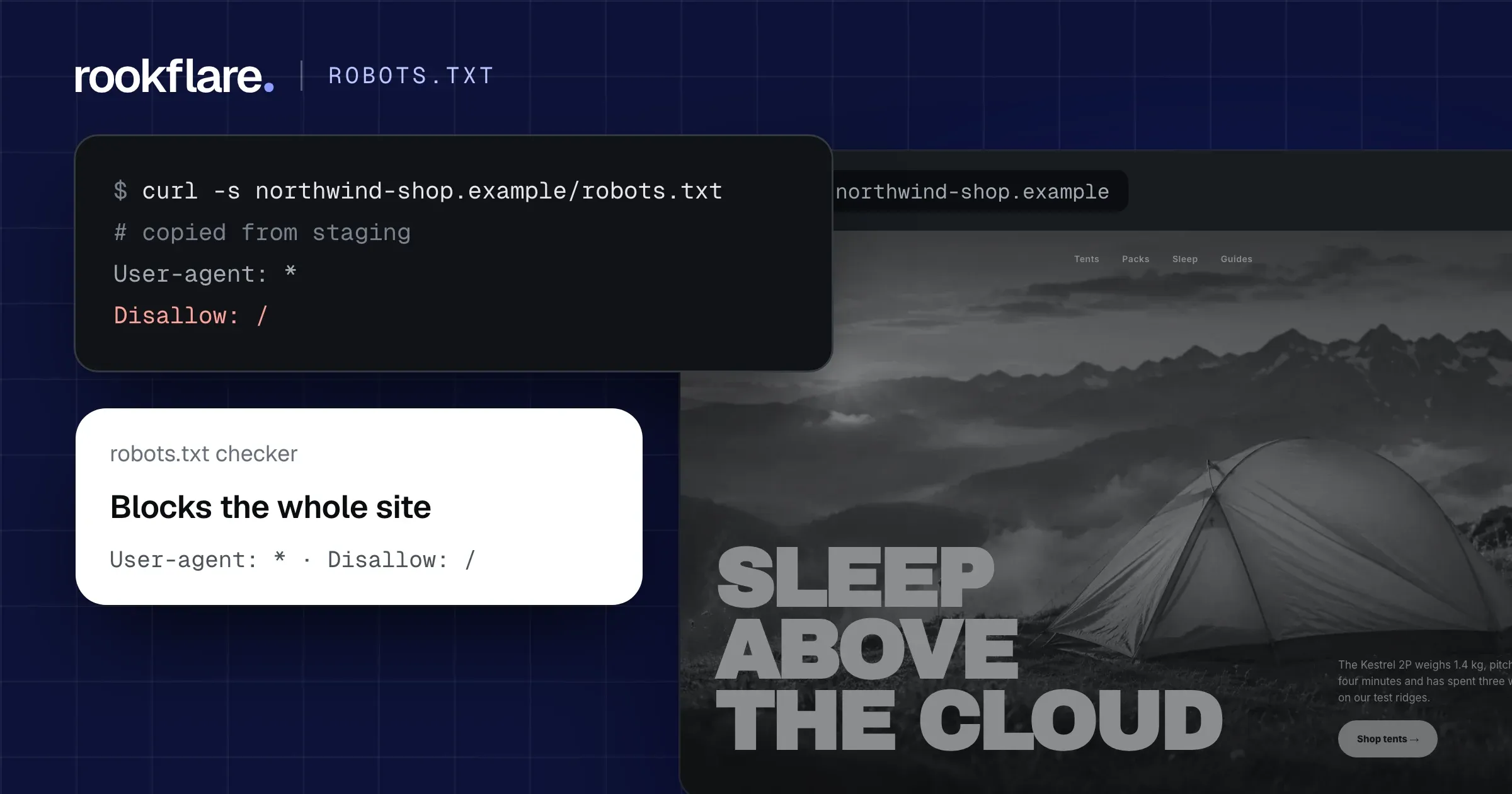
Common robots.txt mistakes and how to fix them
A robots.txt file is short, so its mistakes are easy to miss. The ones that stop Google from crawling, the ones that do not hide what you meant to hide, and a five-minute check.
-
SEO
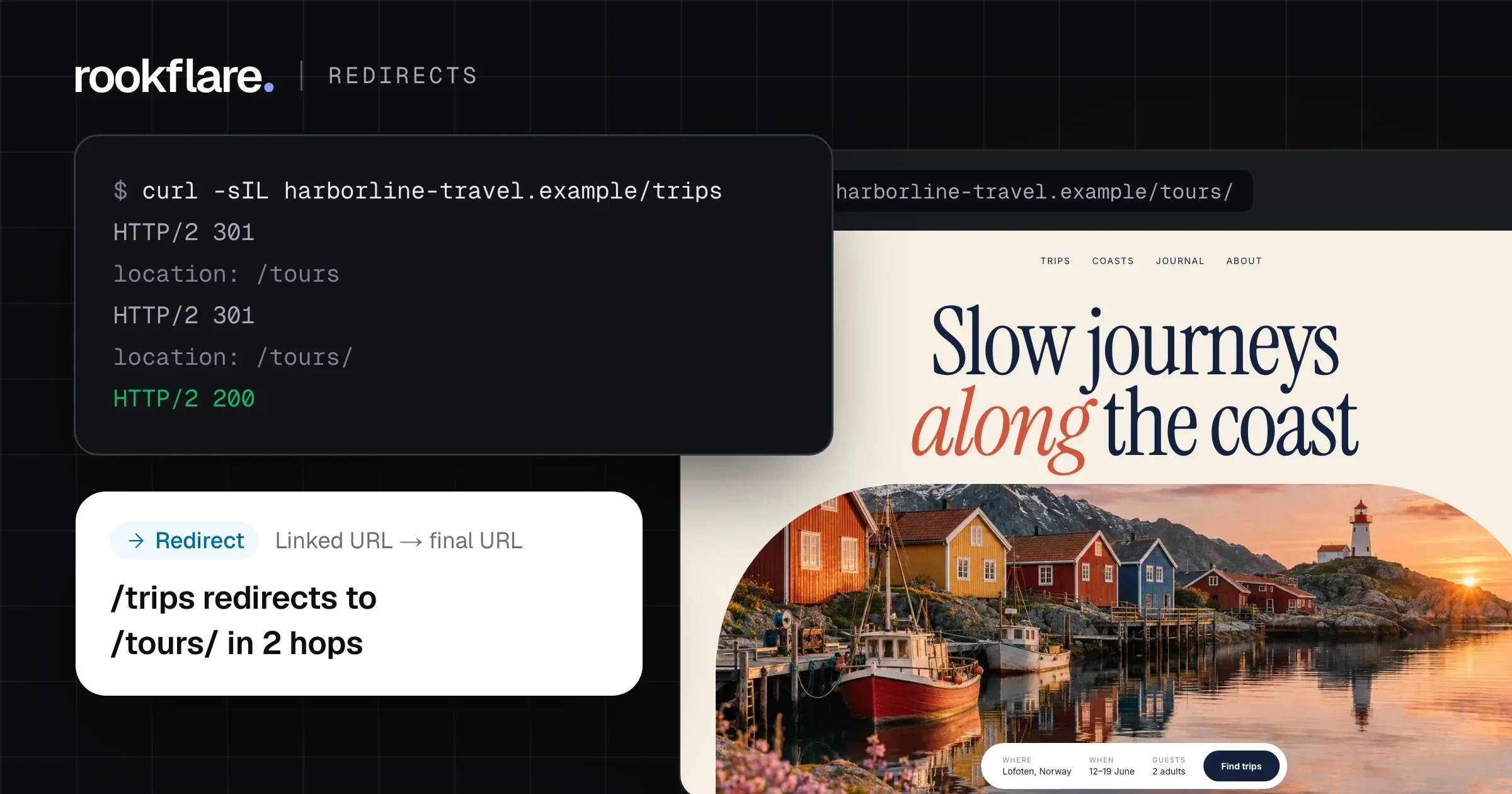
Redirect chains after a site migration: how to check them
Search engines, bookmarks and backlinks still use your old addresses. How to collect them, test every hop in bulk, read the results and fix the chains a migration leaves behind.
