Sitemap discovery: how Rookflare finds pages to monitor
Typing URLs one by one stops working after the first dozen pages. Where Rookflare looks for your sitemap, what it reads and skips, its limits, and what happens to the pages it finds.
 CEO of Rookflare
- Published
- Reading time
- 5 min read
Key takeaways
- Discovery runs when you add a website and whenever you choose Discover again.
- Rookflare reads the Sitemap lines in robots.txt first, then tries /sitemap.xml and /sitemap_index.xml.
- Only pages on your own website are kept, and nothing is monitored until it is selected.
- Pages missing from the sitemap can always be added by their address.
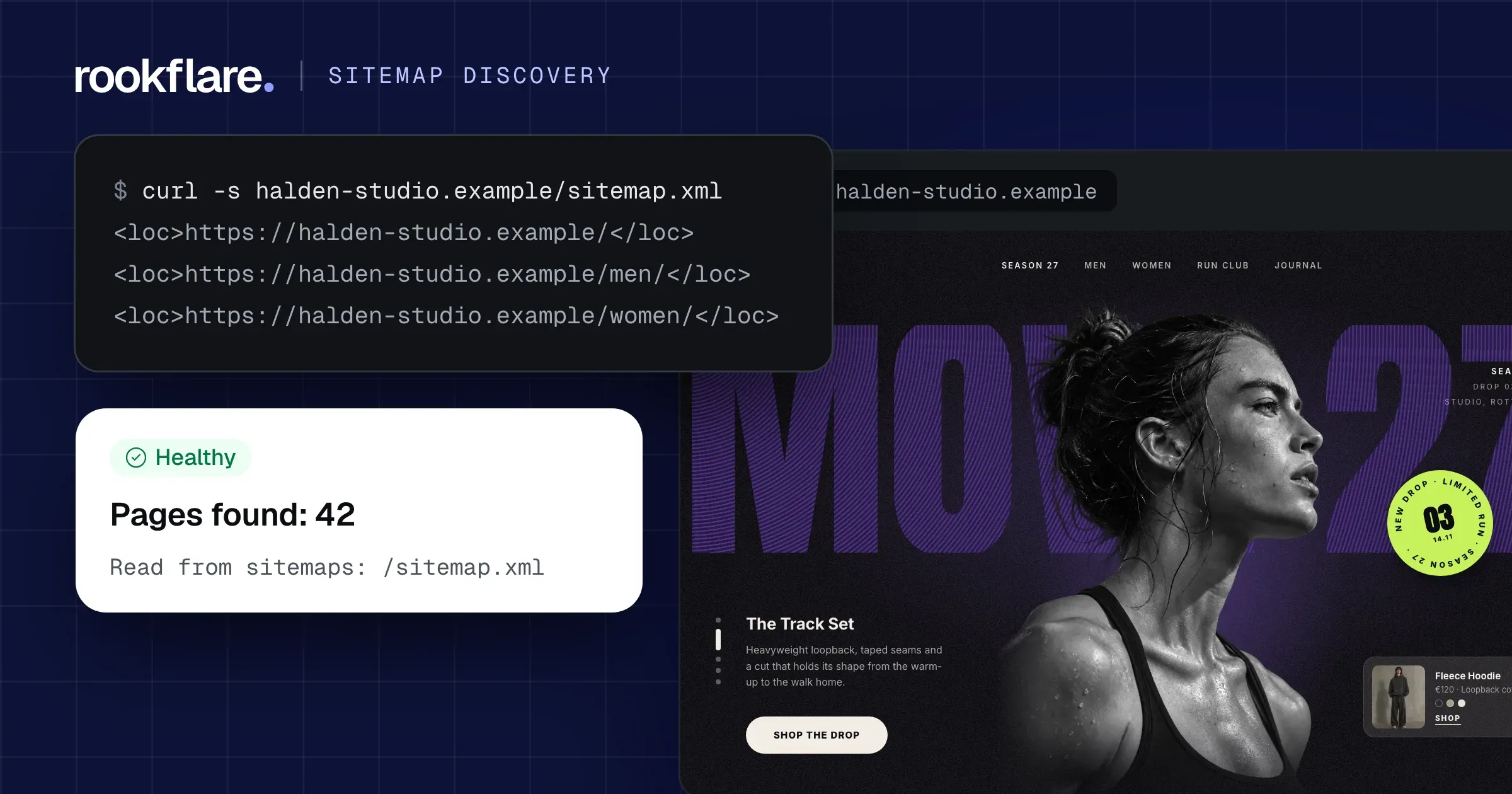
When you add a website, Rookflare reads its sitemap and lists the pages it finds, so you don’t have to paste URLs one by one. You then choose which of those pages to monitor. This page explains where Rookflare looks, what it reads, its limits, and what you can do when a sitemap is missing or incomplete.
When page discovery runs
Discovery runs at two moments:
- When you add a website. Discovery starts straight away, and the setup wizard lists the pages it finds.
- When you choose Discover again. The page picker has this action for after you publish new sections.
Before you add a website, the address preview already counts the pages in its sitemap. That count comes from a quick, smaller read, so the full discovery can list more.
A run reads only robots.txt and sitemap files. It doesn’t open your pages or follow links between them.
Where Rookflare looks for your sitemap
Rookflare checks three places, in this order:
- The
Sitemap:lines in/robots.txt. Every line is read, whicheverUser-agentgroup it sits in. Relative addresses are resolved against the robots.txt address. /sitemap.xml, only if no sitemap from robots.txt could be read./sitemap_index.xml, only if/sitemap.xmlcould not be read either.
A robots.txt that answers 404 or 410 simply means “no robots.txt”, and Rookflare moves on to the fallback addresses. Redirects are followed, up to five per file.
The simplest way to make your sitemap findable, for Rookflare and for search engines, is a line like this in robots.txt. The sitemaps.org protocol defines the directive:
Sitemap: https://www.example.com/sitemap.xmlWhich sitemap formats Rookflare reads
Rookflare recognises the format from the file’s content, not from its name:
| Format | Read? | Notes |
|---|---|---|
XML sitemap (<urlset>) |
Yes | Page addresses and lastmod dates |
Sitemap index (<sitemapindex>) |
Yes | The sitemaps it lists are read; an index inside an index is not |
| Plain-text sitemap | Yes | One full URL per line |
| Gzip-compressed file | Yes | Any of the above, compressed |
| HTML page at the sitemap address | No | Reported as “not a sitemap”, for example a “page not found” template served with 200 |
| RSS or Atom feed | No | Not read as a sitemap |
Most sites use one index that lists several sitemaps, which works. Google’s guide to building a sitemap describes the same index pattern for large sites.
Which pages are kept
Discovery keeps page addresses that belong to the website you added, and skips the rest:
- Your host only. Addresses on other domains or subdomains are skipped. The
www.and bare version of your domain count as the same site, and such addresses are stored in the form you added. - Sitemaps on your host only. A robots.txt or index that points to a sitemap on another host is not fetched.
- http and https addresses only. Anything else is skipped, as are addresses longer than 2,048 characters.
- One entry per page. Duplicates are merged, and
#fragmentsare removed. - Pages you already have. An address that matches an existing page (ignoring
www., the scheme and a trailing slash) is not listed twice.
New pages arrive in the page picker marked “Sitemap” and not selected. Nothing is monitored until you select it.
Limits on one discovery run
Discovery has limits so that a very large or broken sitemap can’t stall it:
| Limit | Value |
|---|---|
| Page addresses per run | 2,000 |
| Sitemap files per run | 50 |
| Size of one sitemap file | 20 MB after decompression |
| Entries read from one file | 50,000 |
| Sitemap data per run | 100 MB |
| Index depth | One level (an index and the sitemaps it lists) |
| Time per run | 60 seconds; 30 seconds per file |
The 2,000-page limit is well above the most pages any plan can monitor at once, so it leaves room to choose. The sitemap protocol allows files up to 50 MB. A file between 20 and 50 MB is valid but too large for discovery, so split it behind an index.
When a limit is reached, the page picker says the sitemap is larger than one pass reads. Discover again reads the sitemaps in the same order, so add the missing pages by their address instead.
Choosing which pages to monitor
For a new website, the setup wizard pre-selects the pages closest to the homepage, up to the pages left in your plan. Change the selection freely: a good set is one page per template plus the pages that earn money, such as checkout, signup, pricing and contact.
Selected pages are scanned on desktop and mobile and compared with their baseline, as the visual monitoring overview shows. Your plan’s page limit counts across all websites, and desktop and mobile screenshots of the same address count as one page. The checklist of what to check after a deploy explains how to pick pages by what they do.
If a page isn’t in the sitemap, add it by its address in the page picker. Rookflare accepts addresses on the website’s own host.
When no sitemap is found
If none of the three addresses returns a readable sitemap, the wizard says “No sitemap found” and offers the manual form. Monitoring works the same either way; you add pages by address.
To find out why discovery came up empty, the robots.txt and sitemap validator shows which sitemaps robots.txt lists, whether they parse and how many URLs they hold. Common causes are a sitemap address that answers with an HTML page, a sitemap on another domain, or a robots.txt with no Sitemap: line.
Keep the sitemap useful for search and monitoring
A sitemap is the list of pages you already give search engines. Using it for monitoring keeps the two aligned: the pages you want found are the pages you watch. A few habits help both:
- Canonical URLs only. List pages that answer 200; leave out redirects and noindex pages.
- Referenced from robots.txt. Every crawler then finds it, not only the ones you submitted it to.
- Updated on publish. Regenerate it when you add or remove pages, and after a migration; checking redirects after a site migration covers the old addresses.
For site owners: opting out
Rookflare identifies itself as RookflareBot. If someone added a website you run and you don’t want it monitored, add this group to your robots.txt:
User-agent: RookflareBot
Disallow: /
Only a group that names RookflareBot counts; a Disallow under User-agent: * does not stop monitoring. Discovery, scans, uptime checks and broken link checks for that website then stop. Rookflare reads your robots.txt for this at most once a day, so the change can take up to 24 hours. The details are on the RookflareBot page.
Questions
Why is RookflareBot reading my sitemap?
Someone entered your website’s address in Rookflare. The address preview and page discovery then read robots.txt and your sitemap to list pages to choose from. Discovery does not open the pages themselves. To stop discovery and monitoring, add the RookflareBot group shown above. The RookflareBot page lists the user agents and request limits.
Share this article

Written by
Dalius Pamedytis
CEO of Rookflare
Dalius is the CEO of Rookflare and the engineer who builds it, from the Playwright scanner that captures every page to the dashboard where you review what changed. Day to day he also works on large marketing websites and dashboards, so he has seen how a quiet release can break a checkout button or a sign-up form. He writes about what actually breaks on real websites and the simplest way to catch it before your visitors do.
More from Dalius Pamedytis